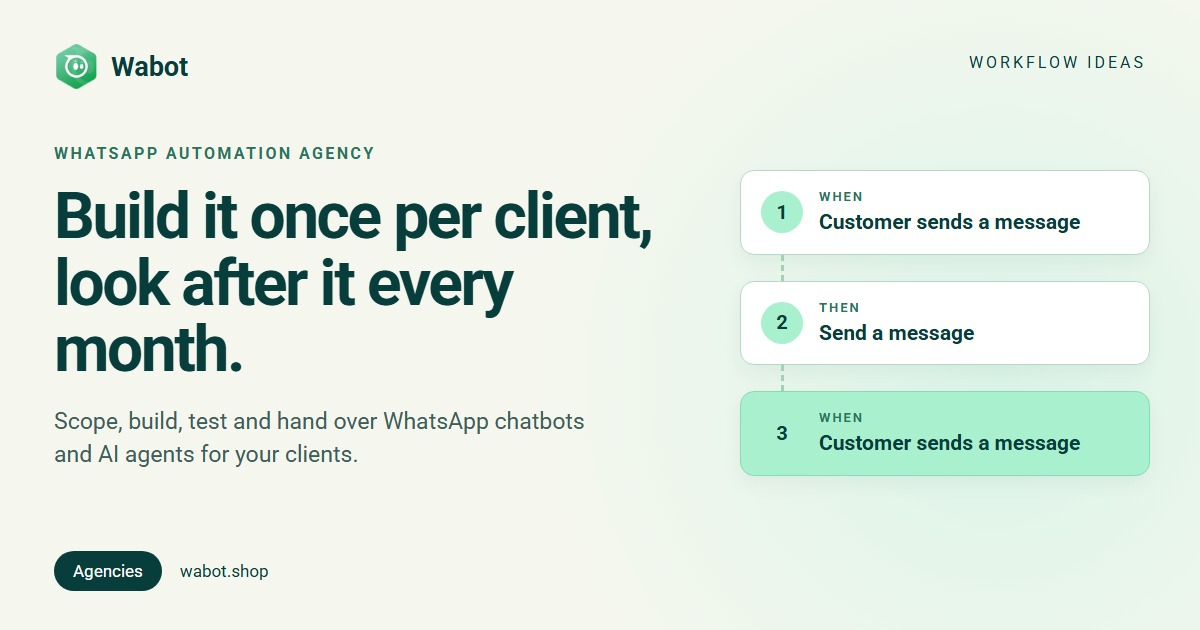
A WhatsApp automation agency builds and looks after the automated side of a client’s WhatsApp: the menu that greets ad leads, the follow-up when a customer goes quiet, the AI agent that answers at 11pm, and the handover to a person. Clients don’t want software. They want fewer missed leads.
Below: use cases by industry, scoping, building and testing in Wabot, handover, the care plan and who owns what. For campaigns and package pricing, see how to start a WhatsApp marketing agency.
What a WhatsApp automation agency sells
Most projects combine three pieces. Sell them as outcomes (“every ad lead gets an answer in seconds”), not features.
| Piece | What it does |
|---|---|
| Workflows | When a customer sends a keyword, taps a button or arrives from an ad: reply, tag, assign. When nobody has replied for a while: nudge or alert |
| AI agent | Answers typed questions from the client’s own information; sends a fallback message when the answer isn’t there |
| Team handover | Assigns chats to the right person and creates follow-up tasks |
The handover isn’t optional. WhatsApp’s Business Messaging Policy allows automation inside the 24-hour window but requires “prompt, clear, and direct escalation paths”, an in-chat transfer to a human agent first on its list. Background: WhatsApp automation, no-code chatbots, AI agents.
Use cases by industry
| Industry | Automations to sell | Guide |
|---|---|---|
| Clinics | Ad leads get a button menu; Book a visit tags the lead and assigns the front desk; AI answers fees and timings after hours | Ads, after hours |
| Real estate | Ad leads answered in seconds; a list menu asks which project; that project’s agent gets the chat, and a deal lands on the pipeline | Leads, pipeline |
| Online stores | AI answers sizes, delivery and returns from the store’s web pages; catalog sends the WhatsApp catalog; carts sent in the chat are tagged and assigned | E-commerce, commerce |
| Coaching and schools | A course menu (batches, fees, demo class); AI answers course questions; a counsellor gets the enquiry | Coaching, leads |
| Travel agencies | Enquiry buttons by trip type, a brochure PDF sent as a document, the chat assigned to a planner | Travel |
| Restaurants and salons | Menu or price list on request, a booking link button, AI answers about hours and location | Restaurants, salons |
Two limits to plan around. Workflows start on a message, a button tap, an ad or a timer such as No reply for a while, not on a calendar date, so don’t sell “day before your appointment” reminders as automation. And AI replies are in English by default; for another language, ask Wabot’s support team to set the number’s reply language.
Scope each client before you build
An hour of scoping up front saves rework later. Write the answers down: they become the build sheet you hand over.
- The goal: one or two outcomes, such as “answer every ad lead within a minute”.
- The 20 questions customers ask most, with real answers and prices. This becomes the AI agent’s knowledge.
- Where chats start: ads, the website button, QR codes. Ads and the pre-filled text of a button or QR code can each get their own first reply.
- The number: the one already in the client’s WhatsApp Business app (kept through coexistence) or a new one.
- Who takes over, and when: names, hours and what’s urgent.
- Templates for anything sent more than 24 hours after the customer’s last message, such as follow-ups.
- Costs: the client’s Wabot plan (workflows are on the Base Plan in India; see pricing for other countries), AI answers from the wallet or the client’s own AI key, and Meta’s charges on the client’s account. Plus opt-in for anything promotional.
Build and test each client in Wabot
1. Set up the client
- Switch on client management once: tick I manage WhatsApp for my clients on the setup form, or go to the profile menu → Edit Profile → Account type. It’s free on any plan.
- In Clients, click Add client. The account is ready in about a minute, on the Free plan with an empty wallet; welcome credits arrive when its first number connects.
- Use Send connect link. The client logs in with Facebook and connects their own number, keeping their WhatsApp Business app or using a new number, with no Wabot login. The link works for 7 days.
- Pay the client’s plan with Choose a plan, or use Send payment link so the client pays Wabot (both billing models).
2. Build in the client’s account
- Click Open on the row. Everything you build now belongs to that client only.
- Knowledge: Automation → AI Agents → Agent Knowledge → Teach your bot, with Write it yourself or pages From your website.
- AI bot: Create AI Bot for the client’s number, with short instructions and a fallback message that says how to reach the team. Turn on Default AI Bot and leave Mode on Test, with your own number as a test number.
- Workflows: Automation → Workflows → Add workflow (step by step).
One client's automation: a dental clinic's ad leads (illustration)
3. Test before the client sees it
- Send a test on each step sends its messages to your WhatsApp now, with sample values.
- Ask the scoped questions in Try your bot, then from your phone. Every fallback reply is a gap in the knowledge.
- Message the client’s number like a customer: tap the buttons, type questions.
- Check Runs on each step: who it ran for, and why anything failed.
- Go live: Step on, Turn on workflow, AI bot Mode to Live, and Bot Response on under Settings → Meta Platforms.
Screens: AI agents guide, Account types guide.
Run several clients from one login
The Clients page is the agency’s home, with the stats Clients, WhatsApp connected, Need attention and Messages sent (30 days). A row needs attention when it shows No number yet, Low number quality, Plan ending soon, Plan ended or Wallet empty, and for most of them the row menu has the fix: Send connect link, Choose a plan, Send payment link or Top up wallet.
Several clients, one login (illustration)
Each browser tab keeps its client: switch client in one tab and the others ask before continuing, so nothing lands in the wrong account. You can hold 10 clients without a connected number at a time; connected clients are unlimited. Only the owner login sees Clients, and a teammate login belongs to one account. In Claude, the Wabot connector‘s list_workspaces and select_workspace cover every client. More: managing multiple WhatsApp Business accounts.
Hand over to the client’s team
- Invite their team appears once a number is connected. Staff join as User or Agent (Agents see only chats assigned to them) and see that client’s account only.
- Train them on the shared inbox: filters, assigning a chat (which switches the AI off for it) and follow-up tasks.
- Hand over the build sheet: scoped answers, each workflow step in plain words, templates and test results.
- Agree how changes work: who asks, how fast you respond, and what counts as a new build.
The monthly care plan
Prices, staff and questions change, so automation needs looking after. The care plan is your recurring revenue, priced from your hours (how agencies price services).
| Task | How often | Where in Wabot |
|---|---|---|
| Clear what needs attention | Weekly | Clients → Need attention |
| Add answers the AI didn’t have | Weekly | Fallback replies in the inbox; Agent Knowledge (tips) |
| Fix failed steps | Weekly | Runs |
| Watch number quality | Weekly | Low number quality (what to do) |
| Update prices and hours | On request | Knowledge and workflow messages |
| Renew plan and AI credits | Monthly | Plan ending soon, Wallet empty |
| Report results | Monthly | Messages sent (30 days), Runs |
A plan bought with a payment link covers 30 days and doesn’t renew by itself. The wallet pays only for AI: when it’s empty, AI answers pause (unless the client uses its own AI key), but regular messages and workflows keep working.
Who owns the number and the bot when the contract ends
Settle this in the contract before you build, and the end becomes a handover, not a dispute.
- The number is the client’s. Meta’s Embedded Signup overview: “Business customers onboarded via Embedded Signup own all of their WhatsApp assets”, with full WhatsApp Manager access that “you cannot restrict … in any way.” That’s why the connect link has the client sign in with their own Facebook login.
- So is Meta’s bill. Wabot is a Meta Tech Provider: Meta bills messages to the client’s own WhatsApp Business Account and payment method, with no markup from Wabot.
- The Wabot account sits under your login. Workflows, AI bot and knowledge live in that client account. Agree what you hand over: the knowledge text and build sheet let the client rebuild anywhere.
- Templates stay behind. Under Meta’s account model, templates “are not shared across Messaging accounts”, so the next platform recreates them. Sharing is additive, so the client can add the new platform before removing you.
It’s also a sales argument: a client who knows they can leave with their number is easier to sign.
Build your clients' WhatsApp automation from one login
Create your free Wabot account, switch on client management and send your first connect link. No card needed.
Frequently asked questions
What does a WhatsApp automation agency build?
Workflows that answer keywords, button taps and ad leads, tag contacts, assign chats and follow up; an AI agent that answers from the client’s own information; and the handover to the client’s staff.
Who owns the bot and the number after the contract ends?
The client owns the number and the WhatsApp account. In Wabot, the workflows and AI bot live in the client’s account under your login, so agree in the contract what you hand over, such as the bot’s knowledge and a written build sheet.
How do you test a WhatsApp bot before go-live?
Use Send a test on every workflow step, keep the AI bot in Test mode with your own number, message the client’s number like a customer would, and check Runs before you switch everything on.
Do I need a separate Wabot login for every client?
No. With client management on, each client gets its own account under your one login, with its own number, plan and wallet.
Who pays for a client’s WhatsApp messages?
The client. Wabot is a Meta Tech Provider, so Meta bills message charges to the client’s own WhatsApp Business Account and payment method, with no markup from Wabot. You or the client pay the Wabot plan.
The short version
A WhatsApp automation agency sells outcomes: answered leads, fewer repeated questions and a clean handover to staff. Scope each client in an hour, build in their own Wabot account, test from your phone, then go live.
The monthly care plan keeps answers current and accounts healthy, and the client always keeps their number and Meta account.