
WhatsApp for your whole business
A shared inbox for your team, campaigns, automatic follow-ups and an AI agent that answers day and night. Already on the WhatsApp Business app? Keep it, on the same number.
- Free plan, no card needed
- No markup on Meta's charges
- Keep your WhatsApp Business app
- App in 11 languages
Hi! Do you deliver on Sundays?
AI agentYes! On Sundays we deliver from 9 am to 1 pm within 8 km. Shall I send this week's cake menu?
Yes please. I need a cake for 20 people
Assigned to Priya · AI off for this chat
Internal note@Rahul can we bake a 3 kg cake for Sunday?
Illustration
Businesses on Wabot
- Mandaram Holidays
- Hrvend
- SaapSuite
- Macadamia
- Vedicmatters
- Coderbunch
- Algovend
- Trigger Sale
Everything your team needs on WhatsApp
Answer every enquiry, follow up on time and send offers people want, from one WhatsApp number.
One WhatsApp number. Your whole team.
Everyone answers from the same number, and you can see who is handling which chat.
- Assign chats and filter by My chats, Unassigned or Mentions.
- Leave internal notes and @mention a teammate. Customers never see them.
- Type / to drop in a saved reply.
- Agents see only the chats assigned to them, and you choose which numbers each person can open.
- Reply from your browser or the Wabot Android app.
An AI agent that answers day and night
It learns from your own information and replies in seconds, so your team can focus on the chats that need a person.
- Teach it by writing your answers or adding pages from your website.
- It answers only from what you've taught it. When the answer isn't there, it says so, or sends your own fallback message, instead of guessing.
- Assign a chat to a teammate and the AI switches off for that chat, so your teammate and the AI don't both reply.
- Pay as you go from your Wabot wallet, or use your own Claude, OpenAI or Azure OpenAI key on most paid plans.
Campaigns to customers who asked for them
Send approved WhatsApp templates to opted-in contacts, personalised with each customer's name.
- Import contacts from a CSV file, then sort them into groups and tags.
- Choose Send Now, Schedule for Later, or send from your own system Using API.
- Replies land in the shared inbox, so your team can pick up the conversation.
Follow up automatically
Workflows take care of the routine: replies, reminders, tags and hand-offs, at any hour. They're included on every plan.
- Reply to a keyword, or to every message.
- Follow up when a customer goes quiet, from 5 minutes to 30 days later.
- Share new chats round-robin, or with whoever is least busy.
- Tag contacts, create deals and follow-ups, or send the details to your other tools by webhook.
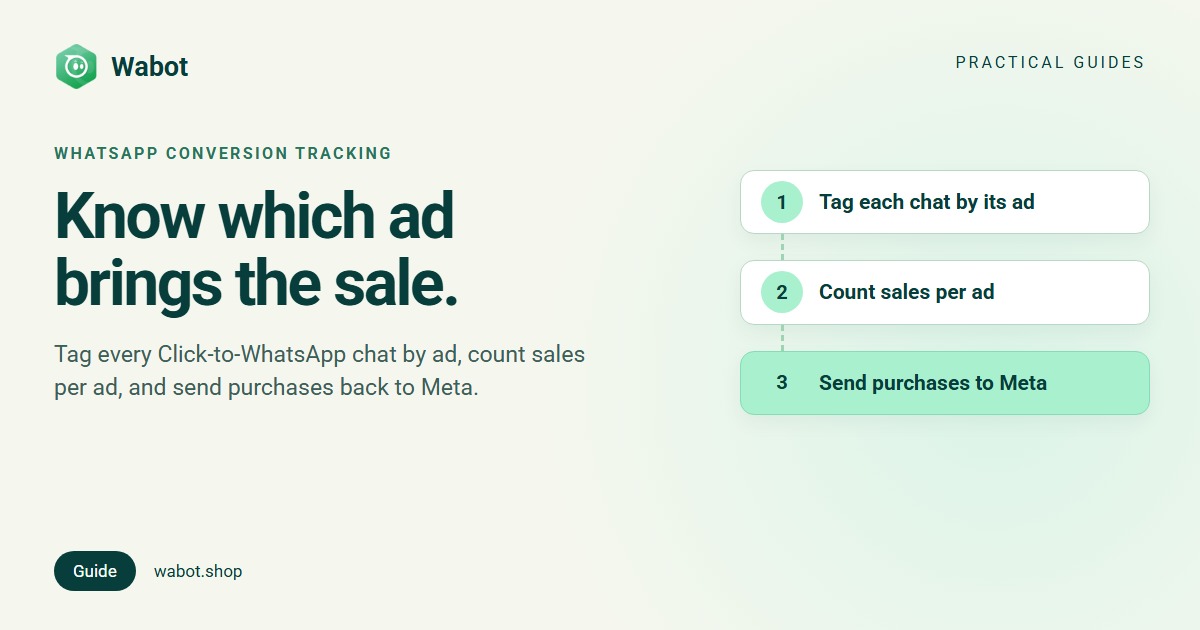
- See which Click-to-WhatsApp ad started each chat (how).
Already use the WhatsApp Business app? Keep it.
Connect the number you already have. Your team works in Wabot, and you can still answer from your phone.
- Your contacts come across when you connect, and up to six months of one-to-one chats once you approve sharing in the app.
- Messages you send from your phone show up in the Wabot inbox too.
- No new number to share, and your chats stay on your phone.
Up and running in three steps
No developer and no new phone. You need a Facebook login and the number you want to use.
Create your free account
Sign up with your email. No card needed.
Connect your WhatsApp number
Log in with Facebook in Meta's own window and pick your number. You can keep your WhatsApp Business app on it.
Reply, send and automate
Invite your team, teach your AI agent and send your first campaign.
Use WhatsApp from Claude, your code and your apps
Wabot is in Claude's connector directory, and developers get a REST API, webhooks and an MCP server.
Run WhatsApp from Claude
Connect Wabot to Claude and ask in plain words. Tools that send messages or change data are marked, so Claude can ask you before it uses them.
REST API and webhooks
Send messages and templates from your own system, and get events back.
API docs →MCP for AI tools
The same tools work in Cursor and other MCP clients.
MCP docs →Odoo
Order updates on WhatsApp from your Odoo store.
Odoo guide →Android app
Reply to customers from your phone with the Wabot app.
Google Play →Made for businesses that live on WhatsApp
See how businesses like yours use Wabot, step by step. Message costs in these guides use India's rates.
Start free. Pay Meta directly.
Wabot's plans are separate from Meta's message charges, which Meta bills to your own account with no Wabot markup.
Create your account, connect your WhatsApp Business number and look around your dashboard. No card needed. Connecting a number starts a 15-day trial of the Base Plan, workflows included.Create your account, connect your WhatsApp Business number and start chatting with customers. No card needed.
Start freeStarter, Silver and Gold every month, or the yearly Base Plan at ₹9,240 + GST. Workflows are on every plan.Starter at $9, Silver at $25 and Gold at $59, billed monthly.
Compare plansMessages customers send you are free, and so are your first 1,000 free-form replies each month per number inside the 24-hour window. Templates, and replies after the first 1,000, are charged by country and category.
Rates by countryAI replies are paid as you go from your Wabot wallet, or billed by your own AI provider if you add your key.
What our clients say
Wabot's AI-powered chatbot has revolutionized our customer support system. Our response time has drastically improved, leading to higher customer satisfaction rates. We couldn't be happier with the results!
Wabot has transformed the way we interact with our customers. Its automated workflows have saved us countless hours, allowing us to focus on other aspects of our business. Highly recommended!
Using Wabot has been a game-changer for our e-commerce business. We've seen a significant increase in customer engagement and sales since implementing it. The team at Wabot provided excellent support throughout the setup process.
Free WhatsApp tools, no sign-up needed
Start getting chats today, even before you connect anything.
WhatsApp link and QR code generator
Make a wa.me link or QR code that opens a chat with your number.
Open the free tool →Chat button for your website
Add a WhatsApp chat button to any website in a few clicks.
Open the free tool →Message cost calculator
Work out what Meta charges for your messages, by country.
Open the free tool →Questions people ask before they start
Does Wabot use the official WhatsApp Business API?
Yes. Wabot is a Meta Tech Provider. You connect your number through Meta's own signup window, and your messages run on Meta's WhatsApp Business Platform (Cloud API). The WhatsApp Business Account and the number belong to your business.
Can I keep using the WhatsApp Business app on my phone?
Yes. When you connect, choose to connect your WhatsApp Business app, and the same number works in both. Your contacts come across, up to six months of one-to-one chats follow once you approve sharing in the app, and messages you send from your phone show in Wabot too. You need app version 2.24.17 or later, and a few app features change: broadcast lists, for example, become read-only.
How much does Wabot cost?
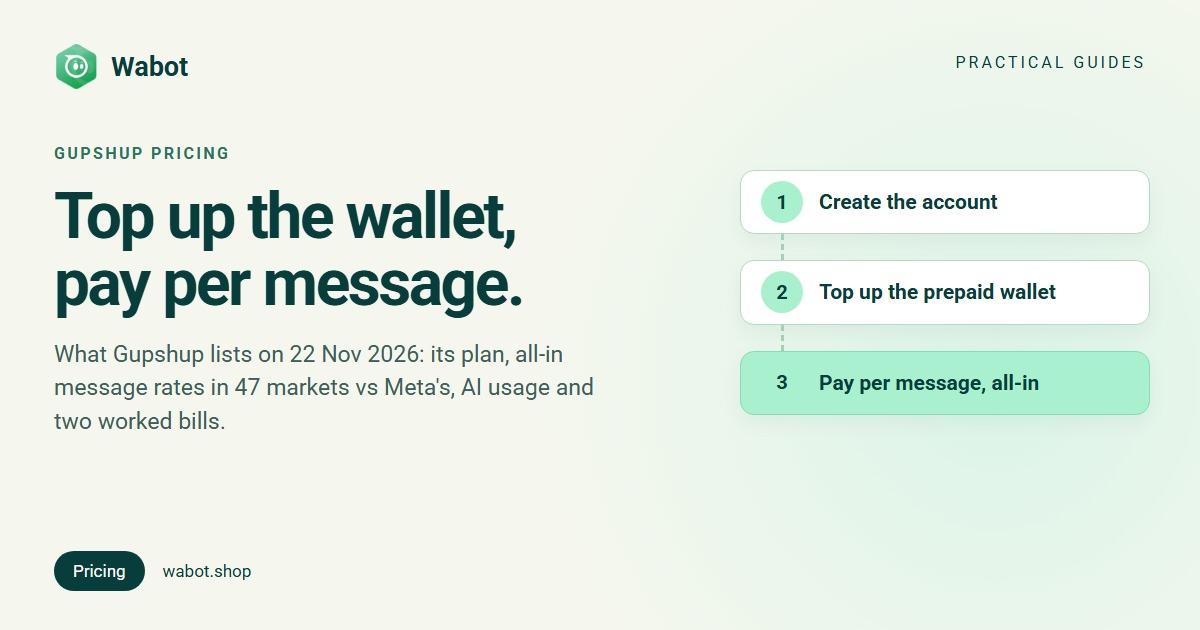
There's a free plan, and you don't need a card to start. Paid plans start at $9 a month, or ₹840 a month + GST in India. WhatsApp message charges are separate: Meta bills them to your own Meta account, with no Wabot markup. AI replies are paid as you go from your Wabot wallet, or billed by your own AI provider if you add your key.
What does Meta charge for WhatsApp messages?
Meta charges per delivered message, by your customer's country and the message category. Messages customers send you are free, and so are your first 1,000 free-form replies each month per number inside the 24-hour window. After that, and for template messages, Meta's rates apply. See Meta's rates by country.
Can my whole team use one WhatsApp number?
Yes. Invite teammates under Settings → Users. Everyone works in the same inbox: assign chats, leave internal notes and @mention each other. Agents see only the chats assigned to them, and you choose which numbers each person can open.
Will the AI agent make things up?
It's built to answer only from the information you give it. When the answer isn't there, it says so, or sends your own fallback message, instead of guessing. Keep your information complete and up to date, and assign a chat to a teammate whenever a person should take over: that switches the AI off for that chat.
Do I need a developer?
No. You connect your number and set up the inbox, campaigns, workflows and AI agent in the app. Developers can also use the REST API, webhooks and the MCP server.
Which languages is the app in?
The Wabot app is available in English, Español, Português, Français, Deutsch, Italiano, Türkçe, Bahasa Indonesia, हिन्दी, العربية and עברית.
Put your WhatsApp to work today
Create your free account in a minute, then connect your number when you're ready. No card needed.
Rather talk to a person first? Chat with us on WhatsApp
Create your free account
Use your work email. You can connect your WhatsApp number straight after.