The enquiry came in at lunch. It sat on the owner’s personal WhatsApp until evening, and by then the customer had already booked somewhere else.
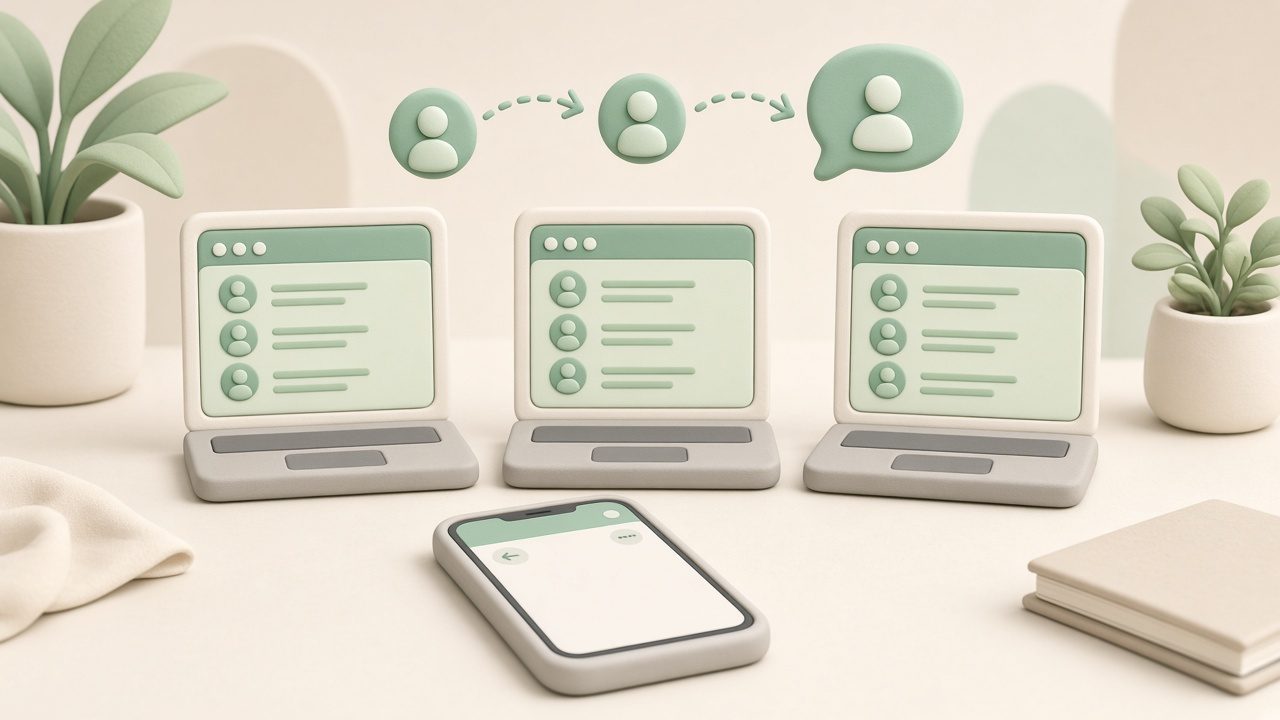
A shared inbox puts one official WhatsApp number in front of the whole team. Everyone sees the same chats, anyone can reply, and the history stays when someone is on leave.
Why one phone doesn’t scale
- Only the person holding the phone can answer.
- Two people reply to the same customer with different prices.
- When a staff member leaves, the chats leave with their phone.
- There is no record of who promised what.
The free WhatsApp Business app can link a few extra devices, but the chats still depend on the main phone. The WhatsApp Business API is built for a team: the number lives in the cloud, and people sign in from a browser.
Business app vs a shared inbox
| WhatsApp Business app | Shared inbox on the API | |
|---|---|---|
| Who can reply | Main phone, plus a few linked devices | Everyone you add, from a browser |
| If a phone is off | Linked devices stop working | The inbox stays online |
| Same chat, two staff | Easy to double-reply | One thread, visible to the team |
| Staff leaves | Chats are on their phone | Chats stay on the business number |
| Campaigns to opted-in customers | Broadcast lists, with limits | Templates, with delivery and read status |
A plain comparison of the app and the API is here: WhatsApp Business app vs API.
Put your customer chats where the whole team can see them.
What to set up first
- One display name customers recognise, such as your shop or agency name. Not a staff member’s personal name.
- An auto-reply for nights and Sundays, so the chat isn’t silent. 25 replies you can copy.
- A rule for who answers what. New enquiries to one person, payments to another. Tags keep that visible.
- Templates for the messages you repeat: order updates, appointment reminders, offers to people who opted in.
Replies inside a customer conversation are free for the first 1,000 each month per number, then ₹0.115 in India. Offers you send first are marketing messages at ₹0.8631. See the October 2026 rates.
How to set it up with WaBot
- Create your free WaBot account and connect the business WhatsApp number.
- Invite the people who should reply. They sign in on their own laptop or phone.
- Turn on an auto response for after hours.
- Use conversation tags so open enquiries don’t get lost.
Chat for the team and campaigns start at ₹840/month + GST (Starter, up to 2,500 contacts). Automated workflows, such as a review request when a job is done, are on the Base Plan (₹9,240/year + GST). See plans.
Frequently asked questions
Can several people use one WhatsApp Business number?
Yes, on the WhatsApp Business API. Each person signs in to a shared inbox and replies as the business. The free WhatsApp Business app is built around one main phone.
Will customers see that different people replied?
They see one business name and one number. Your team sees who sent each reply inside the inbox.
Can I keep my current WhatsApp number?
Often yes. The number moves to the API, and the WhatsApp Business app on that number is replaced by the inbox. Personal chats on a different number are not affected.
How much does a shared inbox cost?
WaBot paid plans with team chat start at ₹840/month + GST. Meta charges for messages separately, with no WaBot markup.
Final thoughts
Customers don’t care which staff member is free. They care that the business answers. One number, one inbox, and the chat is still there tomorrow.