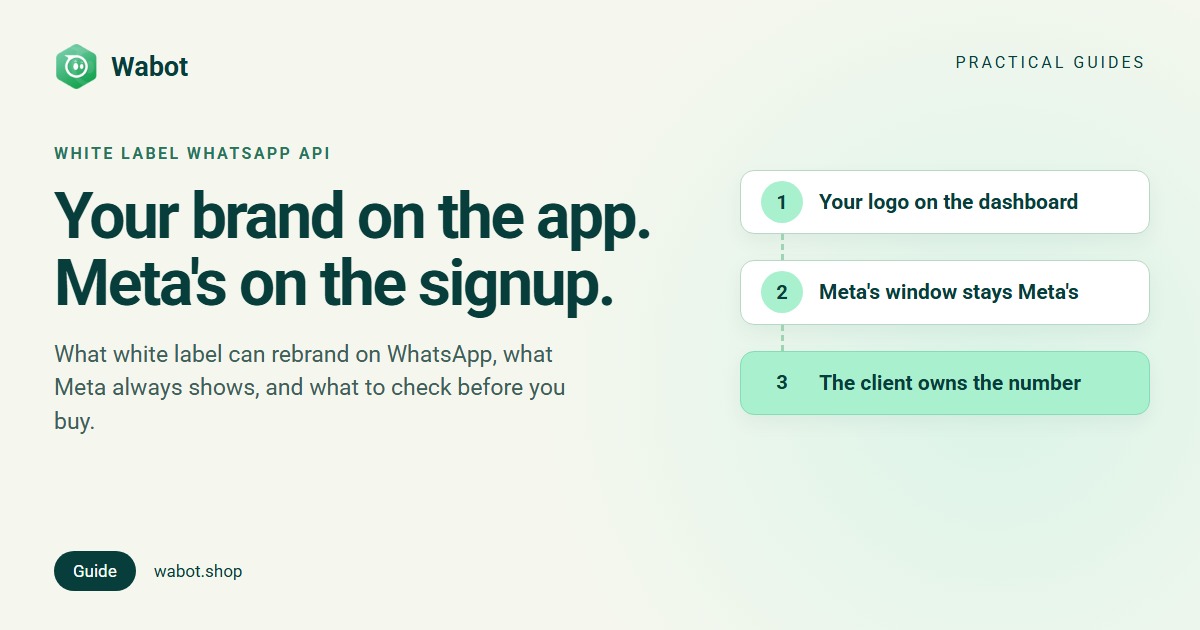
Agencies and resellers look for a white label WhatsApp API so that their clients see one brand: theirs. A platform can rebrand what it controls, such as the dashboard, the logo, the web address and the price. But every WhatsApp Business API setup includes Meta, and Meta’s screens and rules are the same whoever sells the service.
This guide covers what white label can and can’t hide under Meta’s rules, what platforms say about it in their own words, and what to check before you buy. Wabot doesn’t offer white label, so we also show exactly what your client sees with Wabot, and what we offer instead.
What white label can and can’t change on WhatsApp
A WhatsApp platform sits on top of Meta’s Cloud API. White label rebrands the platform’s own layer; Meta’s layer stays Meta’s.
| Part of the setup | Can a white label platform make it yours? | Why |
|---|---|---|
| Dashboard, inbox and login page | Often: your logo and a sub-domain or your own domain | It’s the platform’s own software |
| Your price to the client | Yes, when you invoice the client yourself | Your invoice, your price |
| Emails and notifications | Depends on the platform | Ask whose name and domain they come from |
| The window that connects the number | No | It’s Meta’s Embedded Signup, with Meta’s login and terms |
| WhatsApp Manager | No | The client has full access, and partners can’t restrict it |
| Ownership of the number | No | Meta says the WhatsApp account is always the client’s |
| Meta’s message charges | Only through a Solution Partner | With a Tech Provider, Meta bills the client directly |
What Meta always shows, in Meta’s words
1. Meta’s signup window
Clients connect a number through Meta’s Embedded Signup, which opens in a Meta window. There the client logs in with Facebook or Meta business credentials, accepts Meta’s terms of service (for Cloud API, WhatsApp Business and more), grants an app access to their WhatsApp assets, picks or creates a business portfolio and verifies the phone number. Even for Meta’s no-code Hosted Embedded Signup, Meta says “the flow cannot be customized”.
The app the client grants access to is the one that runs the signup: a Meta app that has passed App Review, belonging to a Tech Provider or Solution Partner. If that’s the platform’s app, your client is connecting to the platform, whatever your dashboard is called. Our guides to Meta Tech Providers and WhatsApp Embedded Signup go deeper.
2. WhatsApp Manager and ownership
Meta is explicit: “Business customers onboarded via Embedded Signup own all of their WhatsApp assets.” They have full access to WhatsApp Manager, and “you cannot restrict this access in any way”. Under Meta’s new account model, generally available since 23 September 2026 and rolled out in stages, the WhatsApp account that holds the number “is always owned by the client or direct developer”. The older model, where a partner owned the client’s account, is gone: Meta has deprecated the On-Behalf-Of model, and such accounts “should have been transferred to clients by October 1, 2025”.
So your client can always log in to Meta, see their own account and share it with another partner. No contract changes that. It’s also what lets a client leave and keep their number.
3. Meta’s bill
Who pays Meta for messages depends on the partner type, not on branding. Meta’s partner overview says Solution Partners have credit lines and “can directly invoice their clients”. Clients onboarded by Tech Providers “must provide their own payment method”, and “Meta will then bill these clients for API usage”. With a Tech Provider, your client sees Meta’s charges on Meta’s own bill, at Meta’s rates.
4. What WhatsApp users see
The people your client messages see the client’s display name and number, never yours or the platform’s. White label only changes what your client sees.
What platforms say about white label, in their own words
Quoted from each company’s own pages on 16 November 2026. If a page doesn’t mention white label, that doesn’t mean the company doesn’t offer it: ask them. Spotted something out of date? Tell us on WhatsApp.
| Company | What their own page says | Price, as published |
|---|---|---|
| AiSensy | “Resell AiSensy Platform under your own Branding with your Logo and Sub-Domain”; “custom domain, logo, pricing, everything” | Not published (request a callback) |
| Interakt | “ISV Whitelabel: Your brand. Your pricing. Your customers.” Its application form lists “White Label Partnership” | Not published |
| respond.io | “Respond.io does not currently offer a white-label version through the Partner Program.” Partners sell respond.io and add their own services | Partners earn a “15%–40% lifetime Partner commission” |
| DoubleTick | Its agencies page says “Resell it to your own clients”, with “Workspace isolation per account” | Not published |
| 360dialog | An API for software companies to build their own product. On client onboarding: “no 360Dialog in the way” | From €250 a month plus a fee per channel |
Two different things go by this name: a rebranded app you resell, and an API you build your own product on. Meta’s signup window and rules apply either way. Commission rates are compared in our WhatsApp partner programs guide.
What to check before you buy white label
- Whose name is in Meta’s window? Ask which Meta app runs the signup, and for a recording of a real connection.
- Tech Provider or Solution Partner? That decides who bills Meta’s message charges. If the platform bills them, ask for the rate per country and any markup.
- Who owns which account? The number must sit in the client’s own business portfolio. Templates “belong to the Messaging account in which they were created”, says Meta, so ask whose account that is.
- What exactly is rebranded? Login page, domain and certificate, emails, mobile app, help pages, invoices and the payment page: get a yes or no for each.
- What it costs. Setup fee, monthly minimum, per-client fees and commitment. White label prices are rarely published, so get them in writing.
- Who supports your clients? Does the platform contact them directly, and who helps when Meta restricts a number?
- What happens if you leave? Can each client keep working and move with their number?
- Does it work today? Ask for a live demo on a custom domain with a real number connected.
Wabot doesn’t offer white label
Wabot has no custom domain, no custom logo and no rebranded app. Your agency’s name appears as text on the connect page and in the connect email; everything else carries Wabot’s name and logo. This is what your client sees when you send a connect link:
Whose screen is it? Connecting a client's WhatsApp
| Step | What the client sees | Whose brand |
|---|---|---|
| Your message | The link, sent from your own WhatsApp with Send on WhatsApp or copied into any chat. The address is on app.wabot.shop | Yours |
| Email (optional) | Sent under your agency’s name plus “via Wabot”, in Wabot’s layout with its logo, in English. Replies go to you | Both |
| Connect page | Wabot’s logo and name at the top. The text names your agency as the one using Wabot to look after the client’s WhatsApp | Wabot, with your name |
| Meta’s window | Facebook login, Meta’s terms, their own business portfolio, and the Wabot name | Meta, naming Wabot |
| Payment link (if sent) | A Razorpay payment page at Wabot’s plan price, then a Wabot page saying “Payments for Wabot are processed by Razorpay” | Wabot and Razorpay |
| The app (if you invite their team) | The Wabot app, showing only their own account. Plan prices show only if you give them the Pricing permission | Wabot |
Software companies using the Platform API can open the same connect page in a pop-up from their own product. It still carries the Wabot name, and so does Meta’s window, because Meta’s signup can’t run inside your own page or an iframe.
The alternative: agency mode, with your own price and service
Instead, Wabot offers agency mode: each client gets its own account under your one login, and you sell your service around it. It’s free and works on any plan.
- Switch it on. From the owner login, tick I manage WhatsApp for my clients on the setup form, or open Edit Profile → Account type.
- Add each client on the Clients page. Each client account has its own number, plan, wallet and invoices.
- Connect their number with Send connect link. The client needs a Facebook login, not a Wabot login, and can keep their WhatsApp Business app (coexistence) or use a new number.
- Watch every client in one list, with flags such as No number yet or Plan ending soon.
Two honest ways to charge
- Your own bundled price. Pay the client’s Wabot plan yourself with Choose a plan in their row, and Top up wallet if they use AI (the wallet pays only for AI). Then invoice the client your own price for platform plus service. Wabot’s invoices for that account come to you. Wabot’s price doesn’t appear on the client’s screens unless you send a payment link, or give an invited teammate the Pricing permission.
- The client pays Wabot directly. Send payment link sends a Razorpay link at Wabot’s plan price. Once it’s paid in full, the plan runs for 30 days and doesn’t renew by itself. You invoice your service separately.
Either way, Meta bills message charges to the client’s own WhatsApp Business Account and payment method, because Wabot is a Meta Tech Provider, and we add no markup. There’s no wholesale price or reseller discount: what you earn is your service. Our prices are public on the pricing page, so base your bundle price on what you add. Setup is in the agency guide; see also our guides to reselling the WhatsApp API and managing multiple WhatsApp Business accounts.
Run every client's WhatsApp from one login
Create your free Wabot account, switch on client management and send your first connect link. No card needed.
Frequently asked questions
Is there a fully white label WhatsApp API?
Not end to end. A platform can rebrand its own dashboard, domain and pricing. Meta’s signup window, Meta’s terms and WhatsApp Manager stay Meta’s, and the client owns their WhatsApp account and number.
Will my clients see Meta’s or the platform’s name?
Both. They connect in Meta’s own window, which names the app that runs the signup. With Wabot, the connect page and Meta’s window both show the Wabot name.
Who owns the number in a white label setup?
The client. Meta says the WhatsApp account that holds the number is always owned by the client, and clients onboarded through Embedded Signup keep full access to WhatsApp Manager.
Does Wabot offer white label?
No. Your client sees the Wabot name and logo on the connect page, in the app and in the connect email, and the Wabot name in Meta’s window. We offer agency mode instead.
Can I charge my own price for Wabot?
Yes. Pay the client’s Wabot plan yourself and invoice the client your own price for platform plus service. Wabot has no reseller discount, and a payment link always charges Wabot’s plan price. Our prices are public, so clients can look them up.
The short version
White label can put your brand on a platform’s dashboard, domain and price. It can’t change Meta’s signup window, Meta’s terms, the client’s access to WhatsApp Manager or the client’s ownership of their number.
Wabot doesn’t offer white label: your client sees the Wabot name on the connect page, in Meta’s window and in the app. What’s yours is the relationship: one login for every client, your own price and your service.