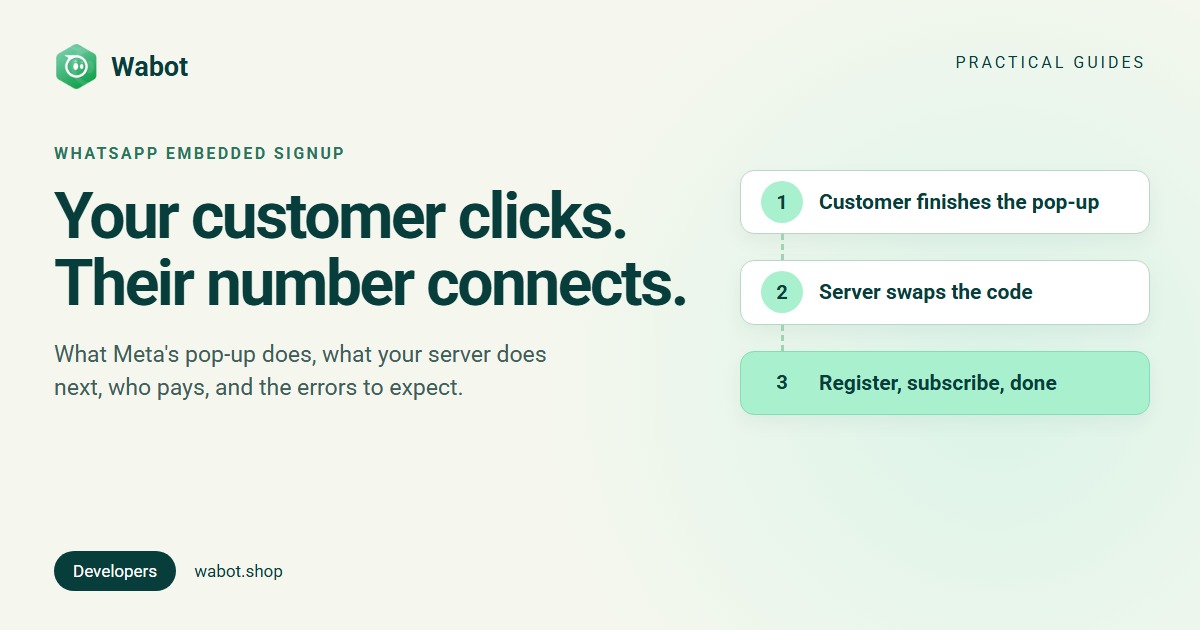
WhatsApp Embedded Signup is Meta’s pop-up for connecting a business’s WhatsApp number to your product. Your customer clicks a button on your site, logs in with Facebook, verifies their number and finishes. Your page receives their account IDs and a short-lived code, and your server turns that code into a token, registers the number and subscribes to its webhooks.
This guide is for product teams: what the customer sees, the code for both ends, v4 and v5, who pays, the limits and errors, and a shortcut if you’d rather not become a Meta partner yourself.
What your customer clicks
Meta’s Cloud API flow uses Phone Number First: the number comes before anything else.
- Log in with Facebook or Meta Business credentials, and see what your app will access.
- Enter a business phone number, then verify it with a code by text message or phone call.
- Pick or create a business portfolio and WhatsApp account, and enter a display name (display name rules).
- Accept Meta’s terms, review the permissions and click Finish.
If the number is already on the WhatsApp Business app and you’ve enabled coexistence, the flow switches by itself: the customer scans a QR code in the app and keeps using it (WhatsApp coexistence). The flow comes in 30 languages, following the customer’s Facebook language. And per Meta, customers “own all of their WhatsApp assets” and keep WhatsApp Manager access you can’t restrict.
WhatsApp Embedded Signup, start to finish
Before you build
- Partner status. You must already be a Tech Provider or Solution Partner (how to become a Meta Tech Provider). Until App Review approves Advanced access, the permissions don’t appear in the flow once your app is live.
- A Facebook Login for Business configuration with the WhatsApp Embedded Signup login variation and only the assets you need. Its configuration ID launches the flow.
- Allowed domains. Meta returns the results only to HTTPS domains listed under Allowed domains and Valid OAuth redirect URIs, with the Client OAuth settings toggles on, including Login with the JavaScript SDK.
- The
account_updatewebhook, which fires when a customer completes the flow.
The front end: open the pop-up and listen
This is Meta’s implementation code, trimmed. A message listener receives the session info, and the FB.login callback receives the code.
<script async defer crossorigin="anonymous" src="https://connect.facebook.net/en_US/sdk.js"></script>
<script>
  window.fbAsyncInit = () => FB.init({ appId: "<APP_ID>", autoLogAppEvents: true, xfbml: true, version: "v27.0" });

  // Session info: asset IDs on FINISH, the screen on CANCEL, an error code on ERROR
  window.addEventListener("message", (event) => {
    if (!event.origin.endsWith("facebook.com")) return;
    try {
      const data = JSON.parse(event.data);
      if (data.type === "WA_EMBEDDED_SIGNUP") postToServer("/es/session", data); // your own helper
    } catch { /* not an Embedded Signup message */ }
  });

  function launchWhatsAppSignup() {
    FB.login((response) => {
      // The code lives 30 seconds: send it to your server straight away
      if (response.authResponse) postToServer("/es/code", { code: response.authResponse.code });
    }, {
      config_id: "<CONFIGURATION_ID>",
      response_type: "code",
      override_default_response_type: true,
      extras: { setup: {} }, // no version = v4; add version: "v5" to opt in
    });
  }
</script>
<button onclick="launchWhatsAppSignup()">Connect WhatsApp</button>FINISHcarrieswaba_id(now the Messaging account ID),phone_number_idandbusiness_id. Business app numbers sendFINISH_WHATSAPP_BUSINESS_APP_ONBOARDING.CANCELnames the screen they left, such asPHONE_NUMBER_SETUP.ERRORcarries anerror_codeandsession_idfor support.- Closing the pop-up on the last screen still counts as finished, but the code arrives only when the customer clicks Finish.
v4 and v5: which version you’re on
Embedded Signup v2 and v3 were deprecated on 15 October 2026; requests for them, or with no version, are served as v4 (versions). v4 takes its products from your Facebook Login for Business configuration. v5, released 20 October 2026, makes Business app onboarding the default (you can opt out) and replaces waba_id in the session info with messaging_account_ids (the same IDs), plus primary_waac_ids and is_on_biz_app. In the App Dashboard, WhatsApp → Embedded Signup Builder → Check a launch config shows what your settings become.
Your server: the code exchange and what follows
Meta’s Tech Provider onboarding steps are three server-to-server calls. Until you make them, the customer can’t use your app.
# 1. Exchange the code for the customer's business token (server to server)
curl --get 'https://graph.facebook.com/v27.0/oauth/access_token' \
  -d 'client_id=<APP_ID>' -d 'client_secret=<APP_SECRET>' -d 'code=<CODE>'

# 2. Subscribe your app to webhooks on the customer's Messaging account (waba_id)
curl -X POST 'https://graph.facebook.com/v27.0/<WABA_ID>/subscribed_apps' \
  -H 'Authorization: Bearer <BUSINESS_TOKEN>'

# 3. Register the number for Cloud API with a 6-digit PIN (skip for coexistence)
curl -X POST 'https://graph.facebook.com/v27.0/<PHONE_NUMBER_ID>/register' \
  -H 'Authorization: Bearer <BUSINESS_TOKEN>' \
  -H 'Content-Type: application/json' \
-d '{ "messaging_product": "whatsapp", "pin": "<6_DIGIT_PIN>" }'- The code expires in 30 seconds. Exchange it as soon as it arrives.
- One business token per customer. Store it per customer; Tech Providers use business tokens exclusively.
- Coexistence numbers are already registered, so skip step 3. You then have 24 hours to sync the app’s contacts and chat history, or the customer must be offboarded and start again (Meta).
- Webhooks for every customer go to your app’s callback URL unless you set an override.
Who pays
Before a customer can message, billing must be set up on their Messaging account. With a Tech Provider or Tech Partner, the customer adds their own payment method in WhatsApp Manager → Overview → Add payment method, and Meta bills them. A Solution Partner shares its credit line during onboarding instead. Meta says “each partner on a phone number bills separately”, and whatever you charge for your software is yours to bill. Message rates: WhatsApp API pricing.
Limits
- 10 new customers per rolling 7 days by default; 200 once you complete Business Verification, App Review and Access Verification (Meta). Your count is in WhatsApp Manager → Partner overview.
- New customers start with messaging limits, which grow with use (how to raise them).
- Numbers are registered for Cloud API only, and WhatsApp accounts created through a developer app can’t be onboarded through the flow.
Common errors
| What you see | Cause | Fix |
|---|---|---|
| 2655111: Partner app lacks required advanced … permissions | No Advanced access | Request it through App Review |
API error 200 on a customer’s account | No Advanced access to whatsapp_business_management | Request it through App Review |
| 2388098: limited number of WhatsApp Business Accounts before verification | Customer’s portfolio isn’t verified | Customer completes business verification |
| This number is registered to an existing WhatsApp account | Number already registered to another account | Disconnect it there, wait up to 3 minutes, re-enter it |
| 2655049: already shared with another partner | Another partner has that account | Unshare it, or create a new account |
| Code exchange fails | One cause: the code is past its 30-second life | Exchange it the moment it arrives |
More codes, and the screen names a CANCEL event reports: Meta’s error list.
The shortcut: let Wabot run Meta’s signup for your customers
Wabot is a Meta Tech Provider. With Wabot’s Platform API, your customers go through Meta’s signup on Wabot’s Meta app, so you need no Meta app, App Review or token exchange of your own:
- Create a client account per customer (
POST /clients, with your ownexternal_id). - Make a connect link with
return_urland a shortexpires_in_minutes(10 to 10,080). - Open it from your page with
/sdk/wabot-connect.js. Meta only returns signup results to domains listed in the Meta app’s settings, so the connect page runs on Wabot and your page opens it in a pop-up. - Your customer chooses to keep their WhatsApp Business app or use a new number, logs in with Facebook and connects. Your server gets a
client.whatsapp.connectedwebhook, signed inX-Wabot-Signature, with the client and number.
<script src="https://app.wabot.shop/sdk/wabot-connect.js"></script>
<script>
  connectButton.addEventListener("click", () => {
    WabotConnect.open(
      // Your server makes the link: POST /platform/v1/clients/{id}/connect-link
      () => fetch("/api/whatsapp/connect-link", { method: "POST" }).then((r) => r.json()).then((d) => d.url),
      {
        onConnected: ({ numbers }) => showConnected(numbers), // last digits, e.g. ["4321"]
        onError: ({ code }) => showProblem(code), // "expired", "revoked", "used" or "no_link"
        onClose: () => {},
      },
    );
  });
</script>
Treat the pop-up result as a hint and confirm with the webhook or GET /clients/{id}. If the browser blocks the pop-up, the page opens in the same tab and returns to your return_url. Webhooks need a 2xx answer within 10 seconds; failures are tried again after 1 and 10 minutes with the same event id.
Keep in mind: Meta’s window shows the Wabot name, each customer needs a Facebook login and a business in Meta (they can create one in the window), and Meta’s message charges belong to the WhatsApp Business Account that owns the number. Full reference: Platform API docs; walkthrough: WhatsApp API for SaaS.
Connect your customers' numbers without your own Meta app
Create your free Wabot account, switch on client management under Account type and make your first platform API key. No card needed.
Frequently asked questions
What is WhatsApp Embedded Signup?
It’s Meta’s sign-up window that a Tech Provider or Solution Partner opens from its own site. The business logs in with Facebook, verifies a phone number and picks or creates its Meta assets, and the partner’s app gets access to them. The business owns everything it creates.
Can any company add Embedded Signup to its website?
No. Meta’s implementation guide requires you to be a Solution Partner or Tech Provider first, which means business verification and App Review. To connect only your own number, set up the Cloud API directly or use a platform.
How do I test Embedded Signup?
Anyone with an admin or developer role on your app can run the flow with their own Facebook login. To avoid creating real portfolios and numbers, claim a sandbox account under WhatsApp, Quickstart, Testing Integrations; it lasts 30 days, and its number can’t send messages. The Embedded Signup Builder shows what each run returns.
Why does my customer see “cannot onboard customers at this time”?
Meta’s error list doesn’t include that wording, so check the partner-side blocks Meta does document: the onboarding limit of 10 new customers per rolling 7 days (see Partner overview in WhatsApp Manager) and missing Advanced access from App Review.
What is Hosted Embedded Signup?
A link to a Meta-hosted page that launches the flow, so you add no JavaScript to your site. It’s open only to Tech Providers and Solution Partners, works only for Cloud API onboarding, and the flow can’t be customized. You learn about new customers from the account_update webhook.
The short version
Embedded Signup is a pop-up plus three server calls: exchange the 30-second code, subscribe to webhooks, register the number. Then the customer adds a payment method. You need Tech Provider or Solution Partner status, and new customers are capped at 10 a week until Access Verification lifts it to 200.
Building that is worth it when WhatsApp is your product. If not, a Tech Provider platform can run Meta’s signup for you and tell your server by webhook.