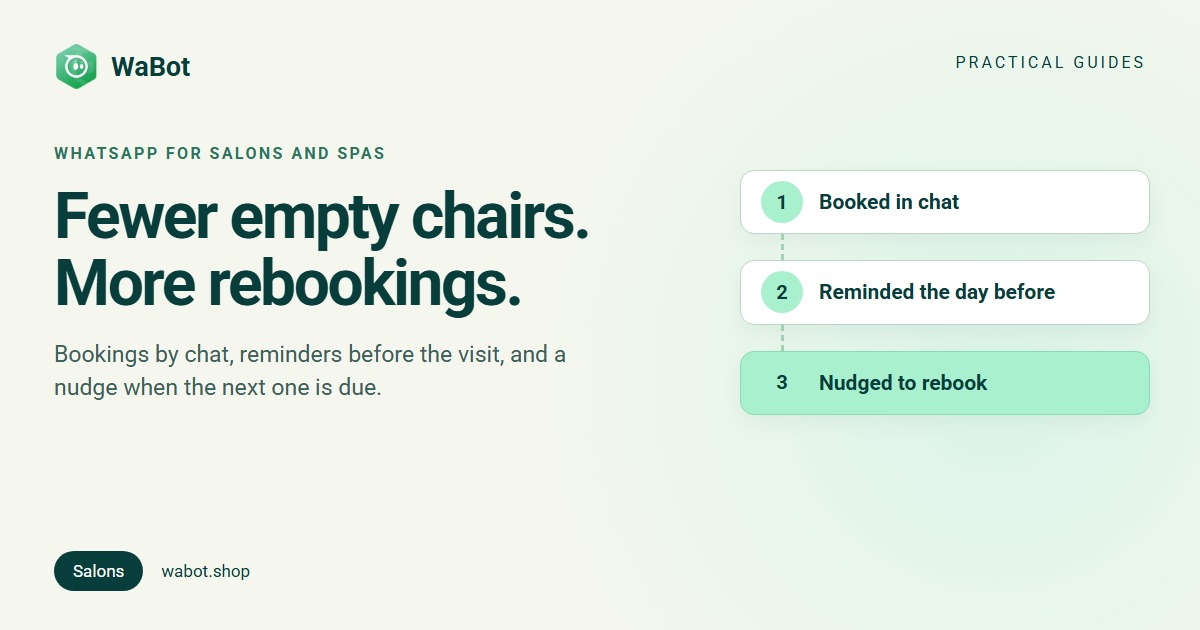
Using WhatsApp for salons, spas and beauty clinics comes down to five jobs: take bookings in the chat, remind clients before the visit, nudge them when their next cut, colour or facial is due, send offers to clients who agreed to receive them, and ask for a review after the visit. One shared number lets the whole front desk handle all of it.
Your clients already message you: “Any slot for a haircut on Saturday evening?”, “Can I move my facial to 4?”, usually while every stylist is busy. Here’s a practical setup, what each message costs, and wording you can copy.
What salons and spas use WhatsApp for
| Moment | Message | Template category |
|---|---|---|
| Client asks for a slot | Services, prices and a few questions to book | Normal reply (client wrote first) |
| Booking made | Service, stylist, date and time | Utility |
| Day before the visit | Reminder with an option to confirm or reschedule | Utility |
| After the visit | Thank-you and a Google review link | Meta decides from the wording |
| Next visit due | “It’s been five weeks since your colour” | Marketing |
| Quiet weeks and festivals | Offers and packages to opted-in clients | Marketing |
A plain reminder about the client’s own booking fits Meta's utility definition: non-promotional and specific to that client. Anything that promotes a service to a past client is marketing “even if requested by users”, in Meta’s words. More on the difference: Marketing vs Utility vs Authentication templates.
Bookings by chat
Most salon enquiries come down to three questions: which service, which day, what time. WhatsApp can collect all three without a phone call.
- An instant first reply. An auto-reply for new chats lists your main services and asks for the day and time. Auto-reply messages you can copy.
- A booking form inside WhatsApp. A WhatsApp Flow asks for name, service, preferred date and preferred time on one screen. The appointment booking automation post builds it step by step; its salon variation uses a dropdown of your service menu and hourly time options.
- A person confirms the slot. The form collects the request; the front desk checks the diary and confirms, so nothing gets double-booked.
Put the chat link in your Instagram bio, Google Business Profile and website. Our free link and QR generator makes the link in seconds.
Reminders that cut no-shows
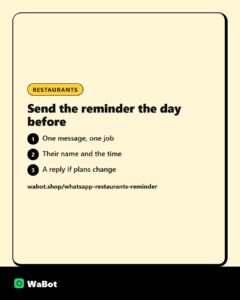
A no-show is an hour of a stylist’s day you can’t sell again. Often the client simply forgot, or meant to cancel and didn’t. A reminder the day before covers both: the forgetful client is reminded, and the one who can’t come can say so early enough for you to refill the slot.
- Ask for a reply. “Reply YES to confirm or RESCHEDULE” tells you who is coming.
- Keep it a pure reminder. Add an offer and Meta treats it as marketing, which costs more and needs marketing consent.
A reminder usually goes out more than 24 hours after the client’s last message, so it must be a Meta-approved template. Meta’s rule: when a customer messages you, a 24-hour customer service window opens; outside it, businesses can only send templates (Meta's pricing documentation).
Rebooking nudges after a few weeks
Cuts, colour, threading and facials come round on a rhythm your team already knows. A client who usually comes every five weeks and hasn’t booked by week six is the easiest booking you’ll get all month, if someone reminds them.
- Tag clients by service when they visit, such as Colour, Keratin or Facial, and note who agreed to hear about offers.
- Schedule the nudge as they leave. The front desk writes the rebooking message in the chat and sets when it goes out.
- Or send one campaign a week to a tag such as Colour due, which the desk keeps up to date. One message, not a series.
A rebooking nudge promotes your service, so treat it as marketing: send it only to clients who opted in, and give them a way to stop. Meta’s opt-in guidance asks that the opt-in clearly says the person is agreeing to messages from your business, by name. How to collect it: WhatsApp opt-in.
An illustration, with assumptions you should replace with your own: say 300 regular clients come every five to six weeks, and 30 of them a month drift past their usual gap. Nudging those 30 costs about ₹31 in Meta charges (30 × ₹0.8631 + 18% GST), so a single rebooking covers it many times over.
Offers to opted-in clients
Festive packages, bridal season or a quiet Tuesday: offers bring in revenue, and they are also what gets numbers restricted when sent to people who never agreed. Meta’s Business Messaging Policy requires opt-in and says businesses can be limited based on user feedback.
- Send to clients who opted in, not to a bought list or every number in your phone.
- End every offer with “Reply STOP to opt out” and honour it.
- Send a few well-timed offers rather than a weekly blast. How to send bulk messages without getting banned.
Messages you can copy
Reply to a booking enquiry
Hi Asha! Thanks for messaging Glow Studio 💇♀️ For Saturday evening we have 5:30 or 6:30 with Meera. A haircut is ₹600 and haircut with blow-dry ₹900. Which one shall I book?
Booking confirmation (utility template)
Hi {{1}}, your {{2}} at {{3}} is booked for {{4}} at {{5}} with {{6}}.
Need to change it? Just reply here.
Reminder the day before (utility template)
Reminder: Hi {{1}}, see you tomorrow at {{2}} for your {{3}}.
Reply YES to confirm or RESCHEDULE if you need another time.
Rebooking nudge (marketing template)
Hi {{1}}, it's been about {{2}} weeks since your {{3}} at {{4}}. Want us to hold a slot this week? Reply with a day that suits you.
Reply STOP to opt out of these messages.
Festive offer (marketing template)
Hi {{1}}, our bridal and festive packages are open for bookings until {{2}}. Facial, manicure and hair styling together for ₹{{3}}.
Reply BOOK to pick a date, or STOP to opt out.
Review request after the visit
Hi {{1}}, thank you for visiting {{2}} today! How was your experience?
In India from 1 October 2026, utility messages such as confirmations and reminders cost ₹0.115 each and marketing messages ₹0.8631, plus 18% GST, billed by Meta directly. Your first 1,000 replies within 24 hours of a client’s message are free each month. See all rates and 30+ more template examples.
Reviews after the visit
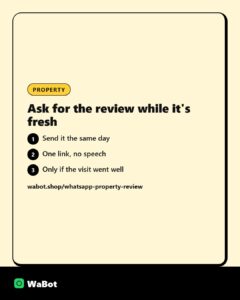
Happy clients rarely leave a Google review unless asked, and the best time to ask is the same day.
Ask everyone, not just the happy ones. Google doesn’t allow review gating, which means asking only happy customers for reviews. A good pattern from our Google review request post: ask how the visit was with two buttons; “Loved it” gets a one-tap review link, “Not happy” gets an apology and a call from the manager, plus the review link so they can still share their experience.
One inbox for the front desk
A salon WhatsApp often lives on one person’s phone; when they’re busy or on leave, chats wait. The free WhatsApp Business app can link a few extra devices, but the chats still depend on the main phone. On the WhatsApp Business API the number lives in the cloud and the team signs in from a browser. Comparison: WhatsApp Business app vs API.
- Whoever is free at the desk replies, and the team sees who sent each reply.
- When a receptionist leaves, the client chats stay with the salon.
More on setting it up: one WhatsApp number for your whole team.
How Wabot handles this
- Shared inbox for the front desk. Each person signs in on their own laptop or phone and your team sees who sent each reply; an auto response covers nights and Sundays (shared inbox).
- Booking requests by form. A WhatsApp Flow collects name, service, preferred date and preferred time; a workflow echoes the answers back at once, tags the chat booking request and gives reception a follow-up task due in 1 hour (appointment booking).
- Reminders and rebooking nudges you schedule from the chat. Wabot has no date trigger, so nothing fires “at the appointment” by itself. Reception uses the chat’s Schedule… option next to Send and sets Send at; past 24 hours since the client’s last message, Wabot asks for a template (appointment booking).
- Campaigns to a tag. Send an approved template to the contacts, groups or tags you pick, Send Now or Schedule for Later, with sent, delivered, read and failed shown per contact (broadcast guide).
- Review requests. A Pipeline stage changed trigger (a Visit completed stage) sends a thank-you template with “Loved it” and “Not happy” buttons; each button leads to its own step (review request).
- Follow-up when a client goes quiet. The No reply for a while trigger sends one template after the wait you choose, from 5 minutes to 30 days, once per silence. It watches every chat, so word it generally (follow-up automation). For a short welcome series after a first visit, see the drip sequence.
The shared inbox and campaigns are on the Starter plan (₹840/month + GST). Workflows, such as the booking form and the review request, are on the Base Plan (₹9,240/year + GST). Sign up free; connecting a number starts a 15-day Base Plan trial. Meta’s per-message charges are billed by Meta directly, with no Wabot markup. Questions: WhatsApp us on +91 91889 12767 or hello@wabot.shop.
Fill your chairs from WhatsApp
Create your free Wabot account, connect your salon's WhatsApp number and give the whole front desk one inbox for bookings, reminders and offers. Connecting a number starts a 15-day Base Plan trial.
Frequently asked questions
Can a salon use WhatsApp for appointment reminders?
Yes. On the WhatsApp Business API, a reminder sent more than 24 hours after the client’s last message goes out as a Meta-approved template. A plain reminder is usually a utility message, ₹0.115 in India plus GST. In Wabot you schedule it from the chat with Schedule…, as there is no automatic date trigger.
Is a “time for your next appointment” message marketing or utility?
Marketing. It promotes your service to a past client, and Meta classes messages that recommend services to people who engaged before as marketing even if they asked for them. Send it only to clients who opted in, with a way to opt out.
Can several receptionists reply from one salon number?
Not well on the WhatsApp Business app, which depends on one main phone. On the API with Wabot, the whole team replies from one number in a shared inbox.
How much does WhatsApp cost a salon?
Meta charges per delivered message: in India ₹0.115 for utility messages such as reminders and ₹0.8631 for marketing such as offers, plus 18% GST. Wabot plans start free; Starter is ₹840/month + GST.
Final thoughts
For a salon or spa, WhatsApp is a front desk that never puts the phone down: bookings while stylists work, reminders before visits, nudges when the next one is due, and reviews after.
Start with an after-hours reply, a confirmation and a reminder template, and one shared inbox. Add rebooking nudges and offers once your opted-in list is growing.