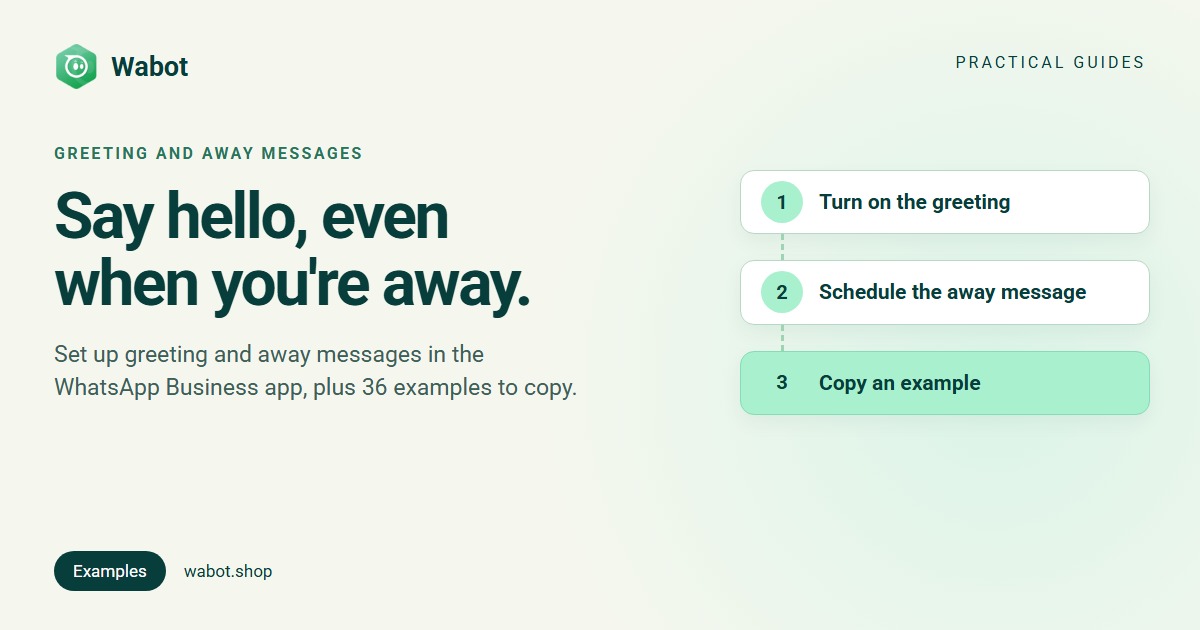
The WhatsApp Business app can reply for you in two ways. A greeting message is “a customizable message that’s automatically sent to your customers when they first message you.” An away message tells customers “that you’re busy or away from your phone.” Both are free tools in the app.
This guide shows how to set up each one, the rules WhatsApp applies (from its Help Center, read 21 November 2026), 36 examples you can copy, and what to use when one phone can’t keep up.
Greeting message vs away message
| Greeting message | Away message | |
|---|---|---|
| Sent when | A customer messages you for the first time, and after 14 days of inactivity in their chat | A customer messages you during the schedule you pick: always, a custom period, or outside business hours |
| Recipients | Everyone, everyone not in your address book, everyone except… or only send to… | The same four options |
| Needs | An active internet connection on your phone | An active internet connection on your phone |
| Best for | Welcoming new customers and pointing them to what they need | Nights, weekends, holidays and busy days |
How to set up a greeting message
- From the Tools tab, tap Greeting message.
- Turn on Send greeting message.
- Edit the message, then tap Recipients and choose Everyone, Everyone not in address book, Everyone except… or Only send to…. On iPhone, the second option is called Exclude my contacts.
Source: WhatsApp’s greeting message help page. Menus can vary by app version.
How to set up a WhatsApp Business away message
- From the Tools tab, tap Away message.
- Turn on Send away message and edit the text.
- Pick a schedule: Always send, Custom schedule (only during the period you set) or Outside of business hours.
- Choose the recipients, from the same four options as the greeting.
Outside of business hours “is only available if you have set your business hours in your business profile” (WhatsApp away message page). Set your hours first.
Rules to know before you switch them on
- Your phone must be online. WhatsApp says your device needs an active internet connection to send greeting and away messages.
- Customers get the greeting again after 14 days of inactivity. Write it so it also suits a returning customer.
- Meta Business Agent changes things. Greeting messages “are automatically disabled when Meta Business Agent is connected”; to use them again you delete the agent. Away messages “pause while the AI is active” and “resume once the AI exits a chat” (WhatsApp FAQ). Another WhatsApp page says turning the agent on may affect greeting and away messages, broadcast lists and disappearing messages (Meta Business Agent FAQ).
- No stated character limit. WhatsApp’s pages don’t give one for either message. Keep it to two or three lines anyway.
What makes a good greeting or away message
- Say who you are, so the customer knows they reached the right place.
- Set expectations. Say when a person will reply, and keep that promise.
- Give one useful thing: your price list, menu, hours or booking link.
- Ask for what you need to help, such as a date, a size or an order number.
Greeting message examples by industry
Replace the words in [brackets]. Want to reuse a line in your chats too? Save it as one of your quick replies.
Shops and online stores
Hi! 👋 Welcome to [Shop]. Looking for something? Send a photo or the product name and we'll check stock for you.
Thanks for messaging [Shop]! New arrivals are here: [link]. Reply with your size and we'll help you choose.
Hello! For order updates, reply with your order number. For anything else, type your question and we'll answer shortly.
Clinics
Hello, thank you for contacting [Clinic]. To book, send your name, the doctor or treatment, and a day that suits you. For emergencies, call [number].
Welcome to [Clinic]. We're open Mon–Sat, [hours]. Send your question and our front desk will reply soon.
Hi! You've reached the [Clinic] appointment desk. Reply with your name and preferred date, and we'll confirm a slot.
Salons and spas
Hi there! 💇 Thanks for messaging [Salon]. Tell us the service and a day that suits you, and we'll find a slot.
Welcome to [Salon]! Our price list: [link]. Want to book? Reply with the service, date and time.
Hello! Thanks for choosing [Spa]. A booking, a package or a gift voucher? Tell us and we'll take it from here.
Restaurants and cafés
Hi! 🍽️ Thanks for messaging [Restaurant]. Our menu: [link]. To reserve a table, send the date, time and number of guests.
Welcome to [Restaurant]! For delivery, send your order and address. We deliver within [area], [hours].
Hello! Planning a party or a large order? Tell us the date and headcount and we'll send you options.
Travel agencies
Hi! ✈️ Thanks for contacting [Agency]. Where would you like to go, when, and how many people are travelling?
Welcome to [Agency]! Our latest packages: [link]. Reply with a destination and we'll send prices.
Hello! Already booked with us? Reply with your booking reference. Planning a new trip? Share your dates and budget.
Real estate
Hi! 🏡 Thanks for your interest in [Agency]. Are you looking to buy or rent, and in which area?
Welcome to [Agency]! Share your budget and preferred location, and we'll send listings that match.
Hello! Want to see [Project]? Reply with a day and time, and we'll confirm a site visit.
Home and professional services
Hi! 🔧 Thanks for contacting [Business]. Describe the problem and your area. A photo helps us quote faster.
Welcome to [Firm]. Tell us briefly what you need help with, and we'll reply with next steps [today / within 2 hours].
Hello! For a quote, send the service you need, your location and a preferred date.
Away and greeting message examples by situation
After hours
Good evening! 🌙 [Business] is closed for today. We open at [time], and your message will be first in line.
Hi! We're available Mon–Sat, [hours]. Send your question now and we'll pick it up as soon as we're back.
Thanks for writing! We're closed for the day, but our price list is here: [link]. We'll reply when we open at [time].
Thanks for reaching out after hours. For urgent help, call [number]. Everything else gets a reply when we open [tomorrow at 9 am].
Holidays
Happy holidays! 🎉 We're closed from [date] to [date] and will answer every message when we're back.
We're closed for [holiday] 🎊 Orders placed now ship from [date]. Thanks for your patience!
Hi! The team is on a short break until [date]. Need something urgent? Call [number] or email [email].
Season's greetings from [Business]! We're closed on [date]. Normal hours resume on [date].
Busy days
Thanks for your patience! We're busier than usual today, so replies may take up to [time].
Hi! All of us are with customers right now. Hang tight: we reply in the order messages arrive.
Thanks for messaging! Our team is at an event today and replying slower than normal. Back to full speed on [date].
First contact (general greetings)
Hi, and welcome to [Business]! 👋 What can we help you with today?
Welcome to [Business]! Tell us what you need, whether that's prices, directions or something else, and we'll reply shortly.
Hello! A team member will be with you soon. While you wait, browse our catalogue: [link].
Hi there! You've reached [Business]. Save this number so you can find us easily, and tell us what you're looking for.
Need more wording? See our 25 WhatsApp auto reply messages.
When you outgrow the app: automatic replies on the API
The app’s greeting and away messages are one set of rules on one phone. When several people answer chats, or different questions need different answers, businesses move to the WhatsApp Business API through a provider (app vs API compared).
Wabot doesn’t copy the app’s greeting and away settings. Instead, automatic replies are workflows you build in Automation → Workflows:
- Reply to a keyword: when a message contains a word such as price, send your reply. Matching is case-sensitive, so add OR rules for Price and other spellings.
- Reply to every message: sends an approved template to anyone who messages you. As the app puts it, a step “runs every time its trigger matches”, so it answers every message, not just the first. Each template it sends is charged by its category, so keep this for low volumes.
- A menu with buttons: a workflow can answer a greeting such as hi with a Quick Reply message of up to three buttons (menu buttons guide).
- An AI agent that answers questions at any hour, only from information you teach it (WhatsApp AI agent).
A normal reply within 24 hours of the customer’s message is a service message: no template needed, and Meta doesn’t charge for the first 1,000 per number each month. Templates are charged by category; to write them, start from our template message examples. Chats a workflow can’t answer wait in your team’s shared inbox.
Automatic replies for your whole team
Create your free Wabot account and connect your WhatsApp number. No card needed.
Frequently asked questions
How do I set a greeting message on WhatsApp Business?
In the WhatsApp Business app, open the Tools tab and tap Greeting message. Turn on Send greeting message, edit the text, then choose who receives it under Recipients.
When is the WhatsApp Business greeting message sent?
When a customer messages you for the first time, and again when they message you after 14 days of inactivity in their chat with you.
What is the character limit for a WhatsApp Business greeting message?
WhatsApp’s help pages don’t state a character limit for greeting or away messages. Two or three short lines work best, because customers read them on a phone.
Why did my greeting or away message stop working?
Check these in order: your phone needs an active internet connection; greeting messages switch off when Meta Business Agent is connected, and away messages pause while the AI is active; Outside of business hours only works once business hours are set in your profile; and your Recipients setting may leave that customer out. A customer who writes again within 14 days won’t get the greeting a second time.
Can I set a greeting message in Wabot?
Wabot doesn’t copy the app’s greeting and away settings. On the API, you build automatic replies as workflows, such as Reply to a keyword or Reply to every message, or let an AI agent answer questions from information you teach it.
The short version
Turn on a greeting message for first contact and an away message for nights, holidays and busy days. Both are free in the WhatsApp Business app, need your phone online, and pause or switch off if you connect Meta Business Agent.
Pick an example above, change the words in brackets, and keep it to a few lines. When one phone isn’t enough, build automatic replies as workflows on the API.