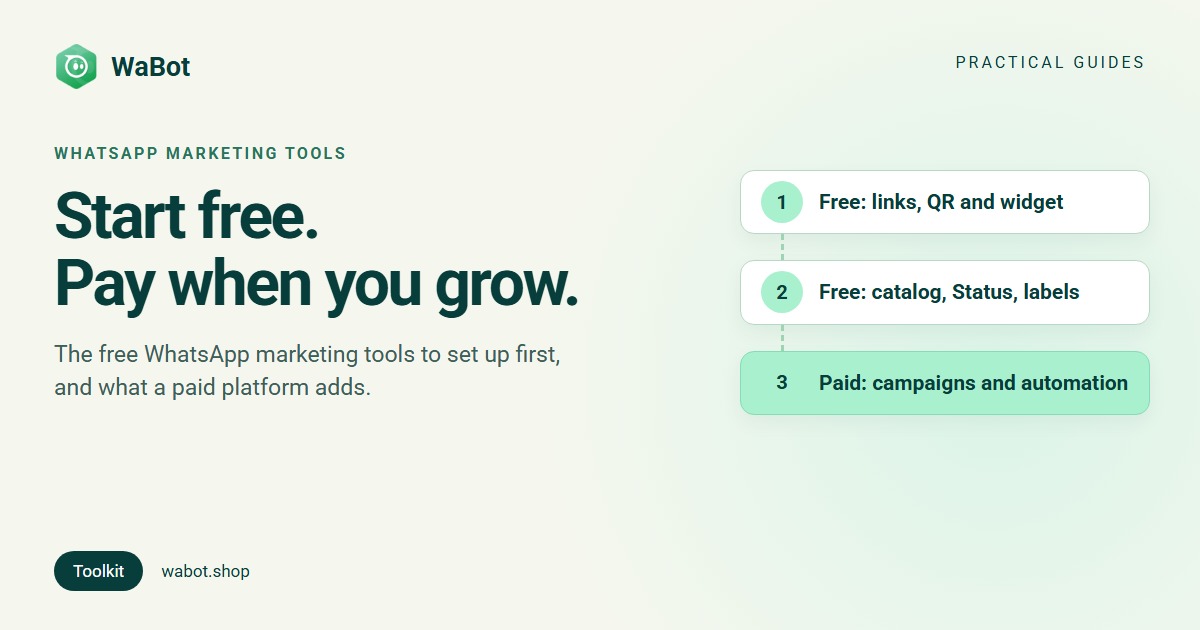
Most of the WhatsApp marketing tools a small business needs are free: a click-to-chat link, a QR code, a chat button on your website, a catalog, Status updates, and the labels and quick replies in the WhatsApp Business app. You pay for two things: ads that open WhatsApp, and an API platform once you send campaigns to many opted-in customers with a team answering the replies.
Here’s the toolkit in the order we’d set it up, with what each tool is for, what it costs and how to use it well. One rule runs through all of it: marketing messages only go to people who agreed to hear from you.
The toolkit at a glance
| Tool | Free? | What it’s for |
|---|---|---|
| Click-to-chat link (wa.me) | Free | Start chats from your bio, emails, posts and ads |
| QR code | Free | Start chats from print: counter, table cards, packaging, flyers |
| Website chat button | Free | Turn website visitors into WhatsApp chats |
| Business profile and catalog | Free | Show your hours, address and products inside WhatsApp |
| Status | Free to post; Status ads are paid | Photos, videos and text that last 24 hours |
| Labels, quick replies, greeting and away messages | Free (Business app) | Organise chats and answer faster |
| Broadcast lists | Free (Business app) | One message to up to 256 people who saved your number |
| Template examples and Meta’s Template Library | Free to use; Meta charges for sending | Write messages Meta will approve |
| Click-to-WhatsApp ads | Paid (your ad budget) | Bring new people straight into a chat |
| WhatsApp API platform | Paid plan + Meta’s per-message charges | Campaigns, team inbox, automation and AI |
The free tools, one by one
1. A click-to-chat link
A click-to-chat link opens a WhatsApp chat with your number, so nobody has to save it first. Our free WhatsApp link generator builds one: enter your number with the country code, add a pre-filled message if you like, and you get a link in the form https://wa.me/<number>?text=<message>, with a Copy button and a button to test it. No signup needed. The customer can edit the pre-filled message before sending.
Put it in your Instagram bio, Google Business Profile and email signature. Use a different pre-filled message in each place (Hi, I saw your Instagram post) and you’ll know where each chat came from.
2. A QR code
The same generator gives you a QR code to download. Print it on the counter, table cards, flyers or packaging; scanning it opens the chat with your pre-filled message. Changing the message means a new link and QR code, so print one that will still make sense in six months.
The WhatsApp Business app has its own short link and QR code too. WhatsApp lists “QR Codes, short links, action buttons on your Facebook Page and Instagram profile” among its free entry points.
3. A chat button on your website
Our free WhatsApp widget generator makes a floating WhatsApp button for your site. You choose the number, a pre-filled message, colours, the button style and corner, and an optional chat window with your business name, photo and welcome message. It can open itself once per visit, show on computers, phones or both, and send clicks to Google Analytics and Meta Pixel.
You paste one snippet just before the closing </body> tag; the page has steps for WordPress, Shopify and Wix. It’s free, needs no signup and works without a Wabot account. Every chat goes to the one number you entered.
4. Your business profile and catalog
Fill in your business profile (description, hours, address, website), then add a catalog. In the Business app it’s Tools → Catalog; for a number on the API, you create it in Meta Commerce Manager. Meta’s site says an app catalog can hold up to 500 items, and customers can send items to you as one cart. Step by step: how to create a WhatsApp catalog.
5. Status
WhatsApp puts it simply: “People and businesses use Status to share photos, videos, voice notes and texts that last 24 hours.” Posting is free: use it for new stock, today’s special or the last day of an offer. Meta also sells ads in Status, which “appear to people between their organic Status content” and can open a chat with you. You create them by extending a Meta ad campaign to Status.
6. Labels, quick replies, greeting and away messages
The free Business app has labels to organise chats, quick replies for messages you send often, a greeting for new customers and an away message for after hours. Label people by interest (new lead, wants offers) so you know who to follow up with.
7. Broadcast lists
A broadcast list sends one message to up to 256 contacts, and only people who saved your number receive it (the broadcast list limit explained). In select countries, WhatsApp also offers business broadcasts to eligible users, which can reach customers “even if they haven’t saved your contact number”. WhatsApp doesn’t list a price there, so check the app first.
8. Templates you can copy
On the API, a message that starts a conversation, or comes more than 24 hours after the customer’s last message, must be a template Meta has approved. Writing them is free. Start from our 30+ template message examples, or Meta’s Template Library in WhatsApp Manager, whose “pre-written templates have already been categorized as utility or authentication” (customise one and it goes through review). An offer is marketing, an order update is utility (template categories explained).
Click-to-WhatsApp ads: paid, with free messages after
Click-to-WhatsApp ads are Facebook and Instagram ads that open a chat with you. You pay Meta for the ad; the conversation after it can be free. On the WhatsApp Business API, reply to the ad chat within 24 hours and Meta opens a free entry point window from your reply that can stay open for up to 7 days: marketing, utility, authentication and service messages in it are free, templates included. It applies when the customer used the WhatsApp app on Android or iOS.
Setup, budgets and ad copy: the Click-to-WhatsApp ads guide.
The paid tool: a WhatsApp API platform
The free tools bring people into chats. You need more once you send offers to hundreds of customers who haven’t saved your number, several people answer chats, or you want to know who read each campaign. That’s the WhatsApp Business API, used through a platform (app vs API). What it adds:
- Campaigns: approved templates sent to opted-in customers you pick by tag or group, now or at a set time, with results per contact.
- A shared team inbox: one number, several people, with chats assigned to each (shared inbox guide).
- Automation: instant replies to keywords, and follow-ups when a chat goes quiet.
- An AI agent that answers questions from your own information (what a WhatsApp AI agent does).
You pay twice: the platform’s plan, and Meta’s charge for each delivered template. Meta’s list rates per message from 1 October 2026, before tax (Meta pricing page):
| Customer’s country | Marketing | Utility |
|---|---|---|
| United States | $0.025 | $0.0034 |
| United Kingdom | $0.0635 | $0.022 |
| India | $0.0118 (₹0.8631) | $0.0014 (₹0.115) |
| Brazil | $0.0625 | $0.0068 |
| Germany | $0.1365 | $0.055 |
The United States is charged Meta’s North America rate. Your replies inside the 24-hour window are service messages, and the first 1,000 per number each month are free. More in what a WhatsApp marketing message costs; to compare platforms, read our WhatsApp marketing software buying guide and how to choose an API provider.
Two rules before any campaign
Marketing needs opt-in. WhatsApp’s Business Messaging Policy lets you contact people only if they gave you their number and “you have received opt-in permission from the recipient confirming that they wish to receive subsequent messages or calls from you.” Wording and record-keeping: WhatsApp opt-in and consent.
No unofficial bulk senders. Browser extensions and “bulk sender” programs automate a normal WhatsApp account, which breaks WhatsApp’s terms, and the usual result is a banned number. The safe way: bulk messages without getting banned. Strategy: the WhatsApp marketing guide.
How Wabot handles this
The link generator and widget are free without an account. For the paid part, Wabot runs on the official API:
- Connect your number in Settings → Meta Platforms: Connect your WhatsApp Business app keeps the app on the same number (coexistence), or choose Use a new number. Both use Meta’s Embedded Signup.
- Campaigns: under Launch Options, choose Send Now, Schedule for Later or Using API. Results show sent, delivered, read and failed for each contact.
- Inbox: filters for All, Unread, My chats, Unassigned and Mentions; Assign to a teammate; internal notes with @mentions; saved replies by typing “/”; and contact tags for segments.
- Automation → Workflows: start from Reply to a keyword, or follow up with No reply for a while.
- AI Agents: teach your bot your answers, and it replies from that information. The Wabot wallet pays only for AI usage, or you can use your own OpenAI, Anthropic or Azure key.
Plans: Starter $9, Silver $25 and Gold $59 a month. In India, Starter ₹840/month, Silver ₹2,160/month, Gold ₹5,749/month and the Base Plan ₹9,240/year (adds workflows), all + 18% GST. The free plan lets you sign up and connect a number; chatting and campaigns need a paid plan. Meta bills you directly, with no markup from us. See plans.
Add campaigns and a team inbox when you're ready
Create your free Wabot account and connect your WhatsApp number. No card needed, and Meta bills messages directly, with no markup from us.
Frequently asked questions
What is the best free WhatsApp marketing tool?
Start with a click-to-chat link and its QR code. They cost nothing, take a minute to make, and work in your bio, on your website, on packaging and in ads. Add a website chat button next, then a catalog.
Can I do WhatsApp marketing with only the free Business app?
Yes, for a small audience. The app has a catalog, labels, quick replies, Status and broadcast lists of up to 256 people who saved your number. Bigger campaigns, a team or automation need the WhatsApp Business API through a platform.
Are bulk WhatsApp sender tools safe?
No. Tools that automate a normal WhatsApp account break WhatsApp’s terms, and the usual result is a banned number. Use approved templates on the official API, sent only to people who opted in.
Do I need permission to send WhatsApp marketing messages?
Yes. WhatsApp’s Business Messaging Policy says you need the person’s number and their opt-in permission to receive messages from you. Keep a record of how each person agreed, and stop as soon as someone asks.
How much do paid WhatsApp marketing tools cost?
Two parts: the platform’s monthly plan, and Meta’s charge for each delivered template message, which depends on the category and the customer’s country. Wabot’s paid plans start at $9 a month (₹840/month + GST in India), and Meta bills messages to you directly, with no markup from us.
The short version
Set up the free tools first: a click-to-chat link and QR code, a website chat button, a complete profile and catalog, and regular Status updates. They bring people into chats at no cost.
Add Click-to-WhatsApp ads for new people, and an API platform once campaigns, a team and automation are worth paying for. Send marketing only to customers who opted in, and your number stays safe as you grow.