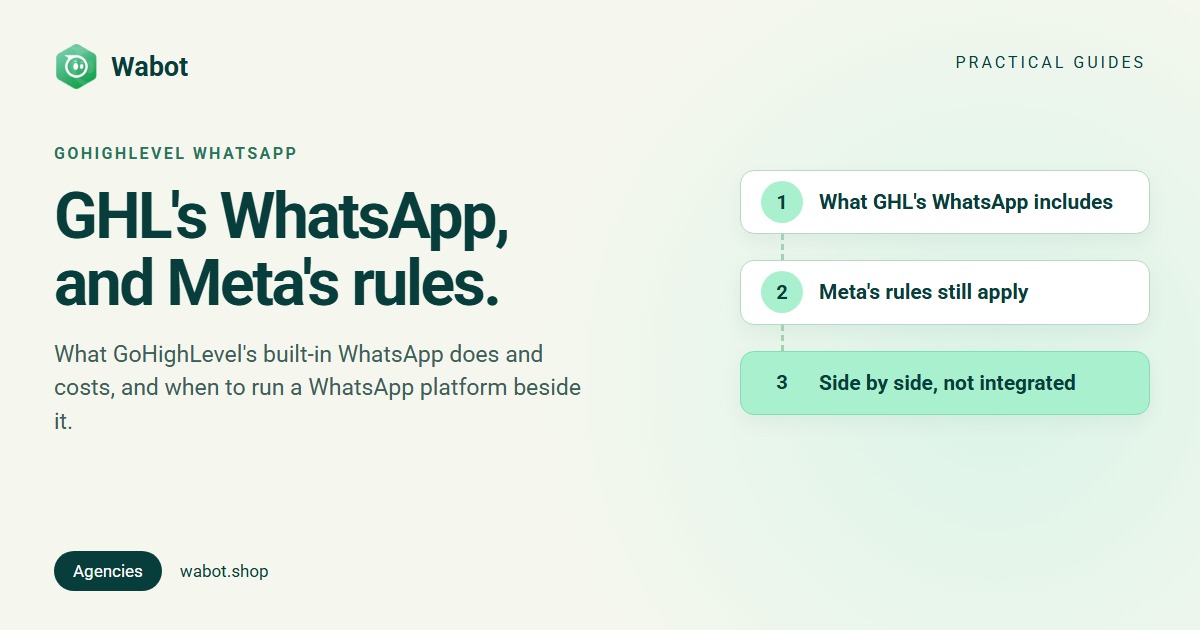
If your agency runs clients on GoHighLevel (HighLevel, or GHL), WhatsApp is already on the menu: each sub-account can connect a number and use it in GHL’s conversations and workflows. What agencies ask is what GoHighLevel WhatsApp costs, who owns the number, and when a dedicated WhatsApp platform makes more sense.
Everything about GHL below comes from GHL’s own help centre and website as published on 16 November 2026, with links so you can check for changes. To be clear up front: Wabot has no GoHighLevel integration. Where we describe using both, they run side by side.
What GoHighLevel’s WhatsApp includes
GHL treats WhatsApp as a feature of each sub-account (its name for a client account), set up under Settings → WhatsApp. Its help centre files the WhatsApp articles under “Reselling Products”. According to those pages:
| Area | What GHL’s help centre says |
|---|---|
| Connecting a number | Three paths: an existing WhatsApp Business app (Coexistence), a new WhatsApp Business Account, or “Migrate from an Existing BSP”, each finished in Meta’s Embedded Signup and connected to “LeadConnector” (sub-account setup) |
| Numbers | “1 official WABA per location” (GHL comparison table) |
| Coexistence | Up to six months of chat history imported; “You can only have a maximum of one phone number under Coexistence”; not available for numbers from Nigeria or South Africa; templates are sent from the CRM, not the app (Coexistence guide) |
| Workflows | A WhatsApp action, the Customer Replied trigger filtered to WhatsApp (workflow guide), and a WhatsAppV2 action that branches on reply buttons and timeouts (V2 action) |
| Templates and Flows | Templates created in GHL and submitted to Meta; WhatsApp Flows that can link to a GHL calendar for booking (WhatsApp settings) |
In short, WhatsApp in GHL is one more channel in the same contact record, pipeline and workflow builder your agency already uses for SMS and email.
What GoHighLevel’s WhatsApp costs
GHL’s WhatsApp Pricing, Billing, and Rebilling Guide (updated 4 November 2026) and its reselling guide for agencies list:
- A monthly charge: “$10 / month per sub-account”, “charged to the agency for each WhatsApp-enabled sub-account”.
- Meta’s message charges at base rates by country and category, and “A 5% Stripe fee is added to these rates”.
- Rebilling: under Settings → Reselling, the agency sets the client’s price for the WhatsApp subscription and a usage markup from 1x to 10x. “The default multiplier is set at 1.05X to cover payment processing fees.” GHL’s own example: a US marketing message at $0.0263 with a 1.5× multiplier costs the client $0.0395.
- Without Stripe, an agency can “Deploy WA Directly”, and “conversation charges will be deducted from the agency’s wallet”.
GHL’s guide also covers Meta’s 1 October 2026 change: service messages beyond the first 1,000 per number each month, and utility messages inside the customer service window, are now charged. Meta’s own rates by country: WhatsApp API pricing.
Meta’s rules still apply on GoHighLevel
GHL runs on Meta’s WhatsApp Business Platform like every other provider, so Meta’s rules don’t change when you use it:
- The client owns the number. Under Meta’s account model, the WhatsApp account “is always owned by the client or direct developer”, and clients onboarded through Embedded Signup “own all of their WhatsApp assets”. GHL’s new-account path asks you to “Select existing business assets, such as a Meta business portfolio”: pick the client’s, not your agency’s.
- Who pays Meta depends on the provider type. In Meta’s provider overview, Solution Partners pay Meta through their own credit line and bill their clients, while “Tech Providers do not have credit lines”, so their clients “must provide their own payment method after onboarding”. GHL bills message charges through the agency, as above, and its coexistence guide says “Do not add a payment method during the onboarding process”: GHL adds it “from the backend”.
- Existing payment methods can block a move. GHL’s help centre says a WhatsApp Business Account that “already has an active payment method” can’t be onboarded to GHL, and tells you to create a new one (GHL error guide). A client who pays Meta with their own payment method today may need a new WhatsApp Business Account to move to GHL.
- Messaging limits are per portfolio. Meta’s messaging limits “are calculated and set at the business portfolio level”, which GHL’s limits page repeats. Keep each client in its own portfolio.
- Coexistence is Meta’s feature. Meta lets businesses keep the WhatsApp Business app on a number they connect to the API (how coexistence works); GHL adds its own limits, listed above.
- Templates stay where they were made. Meta: “Templates belong to the Messaging account in which they were created and are not shared across Messaging accounts.” Moving a client to another platform usually means recreating them; GHL’s migration steps say only approved, high-quality templates are copied when a number moves in.
When a dedicated WhatsApp platform alongside GHL makes sense
For many agencies GHL’s WhatsApp is enough: the lead, the pipeline and the chat sit in one contact record. A separate WhatsApp platform earns its place when:
- WhatsApp is the client’s main channel and their staff answer all day, so you want a tool built only for it: a shared inbox with assignment and notes, User and Agent roles, and an AI agent that answers from the client’s own information.
- The client wants Meta to bill them directly on their own payment method. Wabot is a Meta Tech Provider: Meta bills the client, with no markup from us.
- The client isn’t on GHL, or only needs WhatsApp, not a full CRM. With a Wabot connect link they connect their own number without a Wabot login.
When it doesn’t: if the client’s funnel, calendar and follow-ups all live in GHL and you need WhatsApp steps inside those workflows, keep WhatsApp in GHL. Two platforms means two places to check.
How running GoHighLevel and Wabot side by side works
Side by side means each tool does its own job, joined by links people tap. Nothing syncs on its own.
A GoHighLevel lead moving to WhatsApp on Wabot
Illustration with fictional names. Harbourline Digital builds funnels in GHL for Cedar and Stone Realty. The thank-you page has a button set under Button Actions → Link To → Website URL (GHL button settings) to a wa.me chat link for the realty’s own WhatsApp number, which is connected to Wabot (make a WhatsApp link). In Wabot, a “Reply to a keyword” workflow answers site visit, the AI agent answers questions about listings from the details it was taught, and the chat is assigned to an agent, who updates the deal in GHL by hand (WhatsApp for real estate, following up property leads).
Keep each number on one platform. Meta lets a client share a WhatsApp account with more than one partner, but GHL’s Conversation Routing article explains that a routing setting in Meta Business Suite, not in either tool, then decides which connected integration receives each type of message.
Want GHL to trigger WhatsApp messages automatically? That takes custom work. GHL’s Custom Webhook workflow action, an LC Premium action, sends an HTTP request to a URL you choose. Wabot’s REST API needs two calls: POST /v1/authenticate with the client account’s Client ID and Secret returns a token that lasts one hour, which then goes in the Authorization header without “Bearer” (authentication). So you host a small script: GHL calls it, and the script gets a token and asks Wabot to send an approved template. You build and maintain that script yourself; it isn’t an integration.
Set up the WhatsApp side in Wabot
- Create a free Wabot account and, under Edit Profile → Account type, choose I manage WhatsApp for my clients.
- On Clients, click Add client for each client business.
- Use Send connect link. The client logs in with Facebook, picks their own business and keeps their WhatsApp Business app or uses a new number. No Wabot login is needed, and the link works for 7 days.
- Add a workflow or AI agent, invite the client’s staff with Invite their team, and put the wa.me link on the GHL pages.
Each client account has its own plan: $9, $25 or $59 a month (pricing). Full steps: the Account types guide and managing many client accounts.
Add a WhatsApp inbox beside your GHL funnels
Create your free Wabot account, switch on client management and send your first connect link. No card needed.
Frequently asked questions
Does GoHighLevel have WhatsApp built in?
Yes. According to GHL’s help centre on 16 November 2026, each sub-account connects WhatsApp in its settings, and GHL charges the agency $10 a month per WhatsApp-enabled sub-account, plus Meta’s message charges and a 5% Stripe fee, which the agency can rebill to the client.
Does Wabot integrate with GoHighLevel?
No. Wabot has no GoHighLevel integration, so the two run side by side and nothing syncs between them. A GHL Custom Webhook step can call a script you host, which then calls Wabot’s REST API, but that is custom work you build and maintain.
Can I use the same WhatsApp number in GoHighLevel and Wabot?
We suggest one platform per number. Meta lets a business share its WhatsApp account with more than one partner, but then a Conversation Routing setting in Meta Business Suite decides which platform receives each type of message, and you have to manage that setting too.
Can my client keep using the WhatsApp Business app?
Yes, on either. GHL allows “a maximum of one phone number under Coexistence” and doesn’t offer it for Nigeria or South Africa, per its help centre. Wabot’s connect link offers Yes, keep using my WhatsApp Business app.
Who should own a client’s WhatsApp number on GoHighLevel?
The client. Under Meta’s account model the WhatsApp account is always owned by the client. When you connect it in GHL, choose the client’s own Meta business portfolio, not your agency’s.
The short version
GoHighLevel’s WhatsApp puts the channel inside the CRM your agency already uses, at $10 a month per sub-account plus Meta’s charges, which you can rebill. Meta’s rules are the same on GHL as anywhere: the client owns the number, limits sit with the portfolio, and templates stay where they were made.
If WhatsApp is the client’s main channel, or they want Meta to bill them directly, run a dedicated platform beside GHL and keep each number on one platform. Questions? Message us on WhatsApp.