You pay Meta for every lead. Then the lead sits in a spreadsheet until someone calls, often the next morning. By then they’ve filled in three other forms and forgotten yours.
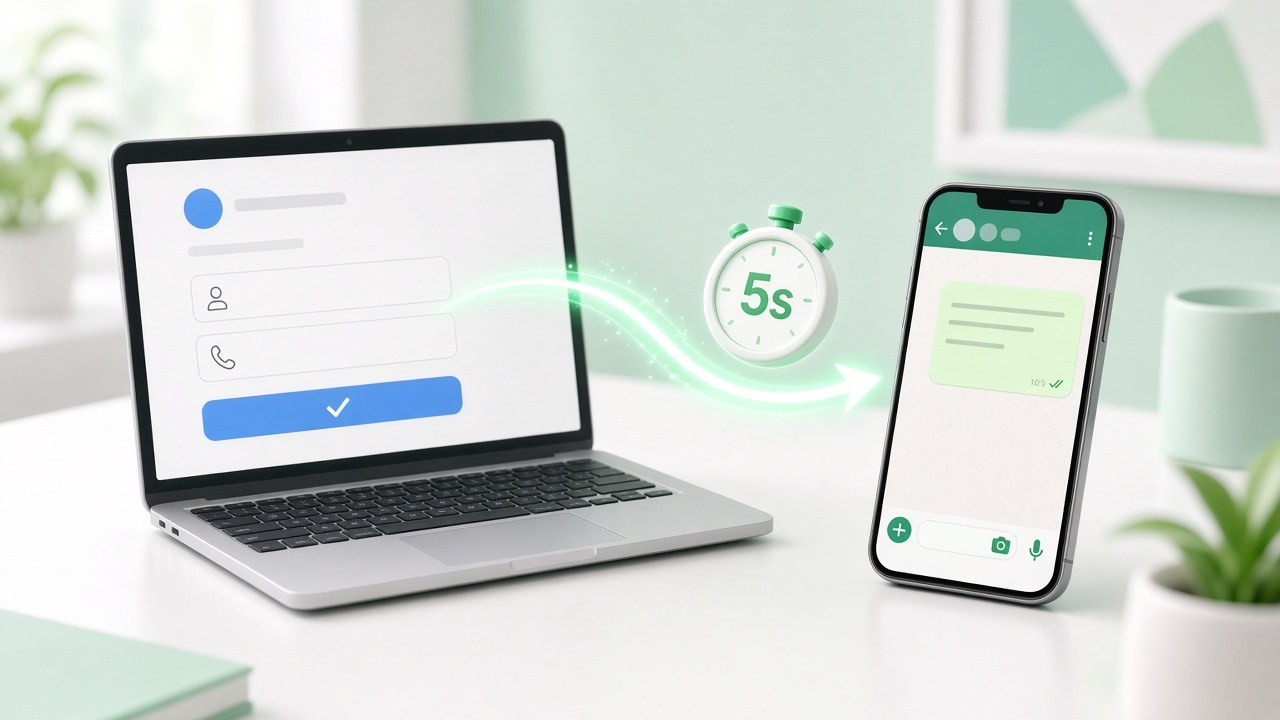
The fix is simple: send each lead a WhatsApp message the moment they submit the form. This guide shows how to connect Facebook and Instagram lead ads to WhatsApp, what to write, and how to stay within WhatsApp’s rules.
Why WhatsApp beats calling or emailing leads
- Speed wins. The first business to respond usually gets the conversation. An automatic message arrives in seconds, even at midnight.
- People read WhatsApp. Emails go to promotions folders. Calls from unknown numbers get ignored. A WhatsApp message with your business name gets opened.
- Leads can reply when it suits them. No missed calls, no phone tag.
- Your team sees the whole history. The form answers and the chat sit together, so nobody asks the same question twice.
What you need
- A Facebook Page running lead ads (Instant Forms) on Facebook or Instagram
- A WhatsApp number on the WhatsApp Business API. The free WhatsApp Business app can’t send automatic messages. App vs API explained.
- An approved WhatsApp message template for the first message
- A tool that connects the two, like WaBot
How to connect lead ads to WhatsApp with WaBot
- Create your free WaBot account and connect your WhatsApp number through Meta’s official signup.
- Open Meta ads in WaBot and log in with the Facebook account that manages your ad account. Your ad accounts, ads and lead forms are imported.
- Create a WhatsApp template for your first message, for example a welcome with the lead’s name, and submit it for Meta’s approval.
- Go to Lead forms, choose a form and set its follow-up to Send WhatsApp template.
- Map the template’s variables to the lead’s details: name, first name, phone, email, form name, Page name, any answer from the form, or your own text.
- Save. Every new lead from that form now gets your WhatsApp message automatically.
New leads also appear under Leads as contacts, with their form answers. You can open the chat, assign leads to a group for a campaign, or sync older leads from Meta.
Send every lead ad to WhatsApp in seconds.
First messages that get replies
Keep the first message short, personal and easy to answer. Use the lead’s name and something they told you in the form.
Travel agency
Hi {{1}}, thanks for your interest in our {{2}} package! 🌴

To send you the best price, how many people are travelling, and on what dates?
Real estate
Hi {{1}}, thanks for enquiring about {{2}}.

Would you like the floor plans and price list here on WhatsApp, or would you prefer a site visit this weekend?
Coaching or courses
Hi {{1}}, thanks for registering for {{2}}! 🎓

Shall I send you the batch timings and fees?
Clinic
Hello {{1}}, thank you for contacting us about {{2}}.

Reply with a preferred day and we'll confirm your appointment.
End with a question. A lead who replies opens a 24-hour window in which your next messages are free-form, and your first 1,000 replies each month are free.
Stay within WhatsApp’s rules
- Get consent in the form. Add a line such as “We’ll contact you on WhatsApp about your enquiry” to your Instant Form, so leads know to expect your message.
- Use the right template category. A reply to an enquiry the lead just made is usually utility. Offers and discounts are marketing. See what each costs.
- Don’t spam. If a lead doesn’t reply after one or two follow-ups, stop. Blocks and reports lower your number’s quality rating.
- Respect opt-outs. If someone says stop, remove them from campaigns.
Lead ads or Click-to-WhatsApp ads?
| Lead ads + WhatsApp follow-up | Click-to-WhatsApp ads | |
|---|---|---|
| How it works | Lead fills a form, you message them | Lead taps the ad and messages you first |
| Lead quality | More leads, some less serious | Fewer leads, usually more interested |
| Info collected | Whatever your form asks | Just their WhatsApp number and first message |
| Messaging cost | Template charge for your first message | 72 hours of free messaging |
Many businesses run both. Read our Click-to-WhatsApp ads guide to set those up.
Frequently asked questions
Can I send Facebook lead ad leads to WhatsApp automatically?
Yes. Connect your Meta ad account to a WhatsApp Business API tool such as WaBot, pick a lead form, and choose an approved WhatsApp template to send to every new lead.
Does this work with Instagram lead ads?
Yes. Instagram lead ads use the same Instant Forms, so leads from Instagram are handled the same way.
Can I use the WhatsApp Business app for this?
No. Automatic messages need the WhatsApp Business API. The app can only send messages you type yourself.
How much does each follow-up message cost?
Meta charges per template message delivered: ₹0.115 for utility and ₹0.8631 for marketing in India, plus GST. Replies after the lead responds are free up to 1,000 a month.
Final thoughts
Every hour a lead waits, it gets colder. Sending lead ads straight to WhatsApp means every lead hears from you within seconds, with a message that uses their name and what they asked for.
Set it up once, and it works for every form, every day.