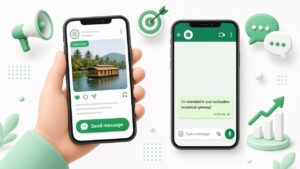
The click already wrote something like: “Hi, I saw your brunch ad. Do you have a table for 4 this Sunday?” Your reply should answer that, then ask the one fact you need.
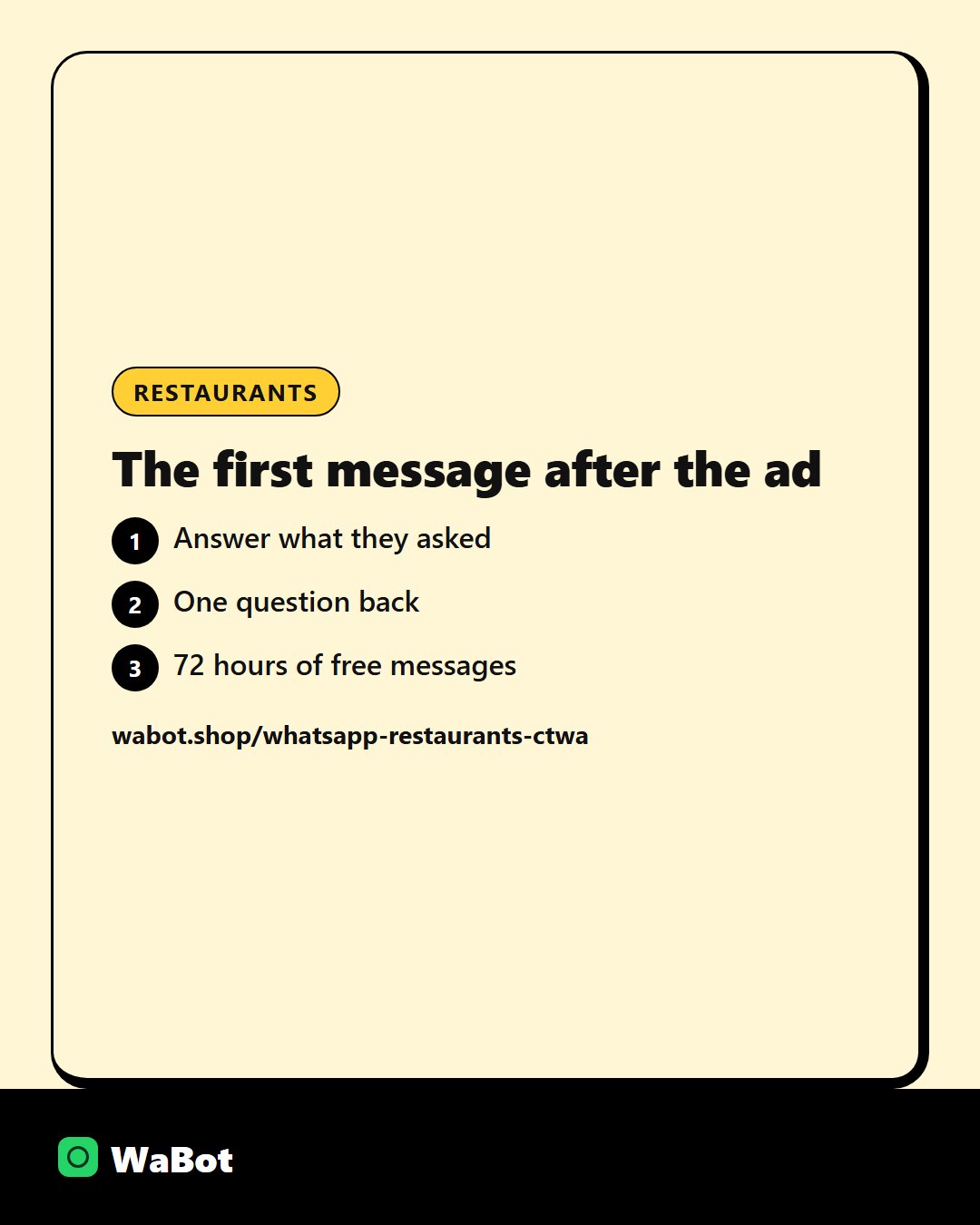
Meta’s free entry point covers 72 hours of messages after a Click-to-WhatsApp ad chat starts. Use that window to finish the booking, not to send a second campaign.
What they sent, and what you send back
Hi, I saw your brunch ad. Do you have a table for 4 this Sunday?
Reply with the price or the availability they asked for, plus one question:
Hi! Thanks for messaging us. Please share the time, number of guests and the name for the booking. If we're in service we'll confirm as soon as a host is free.
Don’t do this in the first hour
- A long brochure with every service you sell.
- Asking them to fill another form.
- Leaving it until the person who “handles ads” is back tomorrow.
How the ads themselves are set up: Click-to-WhatsApp ads.
More on this: WhatsApp auto-replies for business.
Team chat and campaigns on WaBot start at ₹840/month + GST. Meta’s message fees are separate, and WaBot does not add a markup. See plans.
Answer the ad click in the same chat.
Frequently asked questions
Are messages in that 72-hour window free?
Meta does not charge for messages inside the free entry point after a Click-to-WhatsApp ad chat starts, for 72 hours. Your WaBot plan is separate.
Can several staff handle these chats?
Yes, if the number is on a shared inbox. The ad clicks one number, and anyone on the team can reply.
What if we reply late?
They have usually messaged two other businesses. The ad spend is already gone.
Final thoughts
What to send when someone taps a Click-to-WhatsApp ad for weekend brunch and lands in your chat. The first hour matters more than the ad.