Search for the WhatsApp Business API and within two clicks you meet a second name: the WhatsApp Cloud API. Vendors compare the two as if they were rivals, and many explanations online were written before 2025, so they compare it with something that no longer exists.
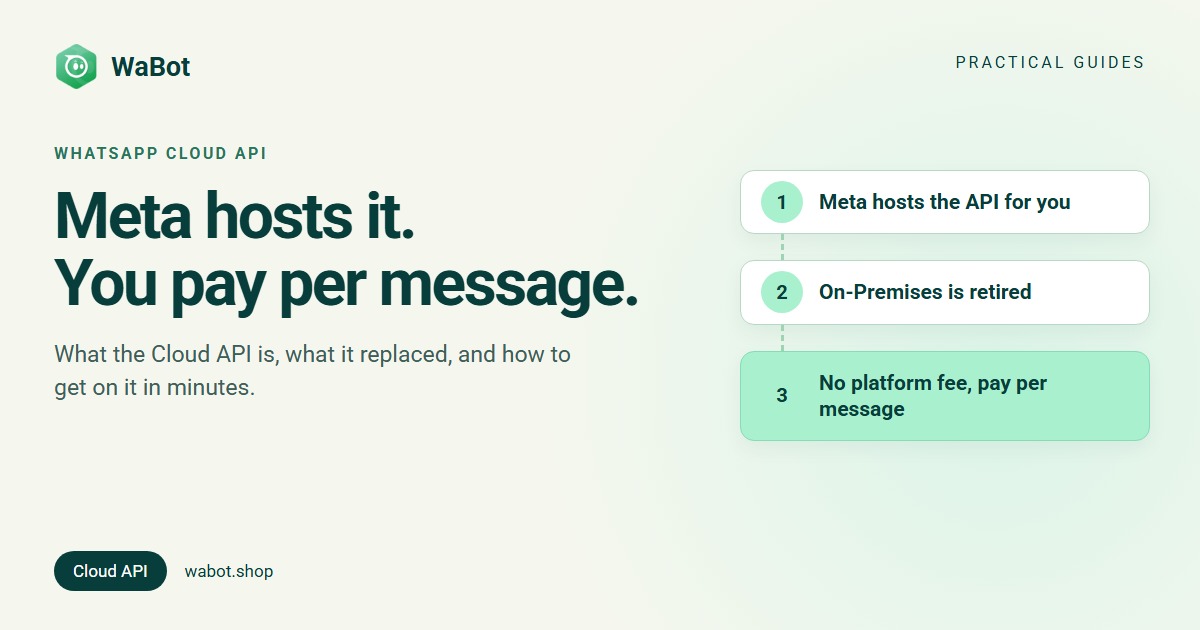
The plain answer: the WhatsApp Cloud API is the WhatsApp Business API hosted on Meta’s servers. You, or a provider such as WaBot, call it over the internet, with nothing to install or run. Meta charges no fee for the API itself; it charges per delivered message. And since Meta retired the self-hosted On-Premises API (its final version expired on 23 October 2025), the Cloud API is the only way to put a number on the WhatsApp Business API. Access is a 10-minute signup through a provider, or a developer setup directly with Meta.
What the WhatsApp Cloud API actually is
Meta’s Cloud API overview describes it in one line: it “enables you to programmatically message and call on WhatsApp”. In practice, your WhatsApp number is registered on Meta’s platform instead of on a phone. Software (yours or a provider’s) sends messages for it by calling Meta’s Graph API at graph.facebook.com, and incoming messages arrive as webhooks. The API has no app or inbox of its own, which is why most businesses use it through a provider that adds the inbox, templates and campaigns on top.
Three Meta-side pieces hold it together: a business portfolio (what most people still call Business Manager), which Meta requires; a WhatsApp account holding your phone numbers and display name; and a Messaging account holding templates, billing and payment methods. Older guides call the last two together the WhatsApp Business Account (WABA). You meet all three during signup. Not sure you need the API at all? Start with WhatsApp Business app vs API.
Cloud API vs On-Premises: one of them is retired
Until recently there were two ways to run the API: Meta’s hosted Cloud API, and the On-Premises API, software that businesses and solution providers ran on their own servers. That choice is gone. Meta’s On-Premises API sunset page sets out the timeline:
| Date | What changed |
|---|---|
| 9 January 2024 | New features ship only to the Cloud API; On-Premises gets bug fixes and security patches only |
| 1 July 2024 | Phone numbers can only be registered for the Cloud API; On-Premises registration returns error 1005 |
| 23 October 2025 | The final On-Premises version (v2.63) expires. Messages to or from numbers still registered on it are not delivered |
Meta’s instruction is one sentence: “Please use Cloud API on the WhatsApp Business Platform instead.” So in 2026 “Cloud vs On-Premises” is settled history, and anyone still selling self-hosted WhatsApp infrastructure is selling the past. What it means for you: Meta handles the hosting, scaling and upgrades behind every WhatsApp API number.
Is the Cloud API free?
Partly, and it’s worth being precise. Meta charges no platform, hosting or access fee for the Cloud API. Its pricing documentation charges per message, and only “when a message is delivered”. Messages your customers send you are always free. What you pay Meta depends on the message category. For Indian numbers from 1 October 2026, excluding 18% GST:
| Message type | What it’s for | Meta’s rate |
|---|---|---|
| Marketing | Offers, festive greetings, new arrivals | ₹0.8631 |
| Utility | Order and booking confirmations, receipts, reminders | ₹0.115 |
| Authentication | One-time passwords (OTPs) | ₹0.115 |
| Service (replies within 24 hours of a customer’s message) | Answering enquiries | First 1,000 free each month, then ₹0.115 |
The second cost is your provider’s plan for the inbox and tools. With WaBot you can sign up free; Starter is ₹840/month + GST and the Base Plan ₹9,240/year + GST. Worked monthly examples for a clinic, a shop and a travel agency are in WhatsApp Business API pricing in India.
Direct access or through a provider (BSP)?
Anyone can use the Cloud API directly: Meta’s get-started guide walks a developer through creating a Meta app, a test number, an access token and a webhook. That’s the right road if you’re building WhatsApp into your own product. It isn’t a shortcut for a business that wants an inbox, because the API is just endpoints: nothing shows your chats until you build it.
| You get | Direct with Meta | Through a provider like WaBot |
|---|---|---|
| The API and your number | Yes | Yes, the same Meta platform, connected through Meta’s own Embedded Signup pop-up |
| Team inbox | Build it yourself | Included, in the browser and the app |
| Templates | Graph API calls or WhatsApp Manager | A screen under Settings → Templates, with approval status |
| Campaigns, chatbots, workflows | Build them yourself | Included, by plan |
| Webhooks and hosting | You run them | Handled for you |
| Cost | Meta’s message charges only | Meta’s message charges + your plan |
Either way, Meta bills its message charges to your own Meta account. With WaBot there is no markup on them.
The limits worth knowing before you plan
- Speed: Meta’s overview says “business phone numbers can send up to 80 messages per second by default, with capacity upgrades available”. A number shared with the WhatsApp Business app (coexistence) is fixed at 20 per second.
- New customers per day: Meta’s messaging limits start a new business portfolio at 250 unique customers per rolling 24 hours, move to 2,000 after business verification, then scale automatically to 10,000, 100,000 and beyond while quality stays high. Replies to customers who messaged you don’t count. Details: how to increase your WhatsApp messaging limit.
- The 24-hour window: free-form replies are allowed only within 24 hours of the customer’s last message. Outside it, you need a Meta-approved template in the Marketing, Utility or Authentication category.
- Template review: Meta reviews every new template, often within minutes and in up to 24 hours.
A typical first template is a utility message like this one (₹0.115 in India; 30+ more examples):
Hi {{1}}, your order {{2}} is packed and ships today. Expected delivery: {{3}}. Reply here if anything needs changing.
How to get Cloud API access
- Through a provider (most businesses). Create an account, open the provider’s Facebook pop-up (Meta’s Embedded Signup), choose or create your business portfolio, verify the number with the code Meta sends, and set a display name. About 10 minutes, no application form. Step by step: how to get the WhatsApp Business API in India.
- Directly with Meta (developers). Follow the get-started guide: create a Meta app, use the test number Meta creates for you, generate an access token, subscribe a webhook, then register your real number.
- Keeping your existing number? A WhatsApp Business app number can move to the API, or run the app and the API side by side: use your existing WhatsApp number for the API.
How WaBot handles this
WaBot connects numbers through Meta’s Embedded Signup, so your number runs on Meta’s Cloud API and WaBot adds the inbox and tools on top. Connecting happens in Settings → Meta Platforms → WhatsApp: Connect Whatsapp Business for a new or freed-up number, or Connect Business App to keep your WhatsApp Business app working alongside the inbox. Once connected:
- Templates are created under Settings → Templates → Add Templates; wait for Approved (often minutes, Meta says up to 24 hours), then send.
- The inbox shows your number’s messaging tier (for example “Tier 250”) and quality, and Test Mode lets you try templates and bots with up to 3 test numbers first.
- Developers and AI agents can work in the same account through WaBot’s MCP server: create and check templates, send messages, read replies. See the WhatsApp MCP server guide and the WaBot docs.
Plans: Free (sign up and connect your number), Starter ₹840/month + GST (shared inbox and campaigns), Base Plan ₹9,240/year + GST (adds workflows). Connecting a number starts a 15-day Base Plan trial. Help: hello@wabot.shop or WhatsApp +91 91889 12767.
Get on the WhatsApp Cloud API in about 10 minutes
Create your free WaBot account and connect your number through Meta's own Facebook pop-up: no servers to run, no application form. Connecting starts a 15-day Base Plan trial, no card needed.
Frequently asked questions
Is the WhatsApp Cloud API free?
Meta charges no platform or API fee; it charges per delivered message. In India that’s ₹0.8631 for marketing and ₹0.115 for utility and authentication, with the first 1,000 service replies each month free, plus 18% GST. A provider’s plan for the inbox and tools is separate.
Is the Cloud API the same as the WhatsApp Business API?
Today, effectively yes. The WhatsApp Business API (WhatsApp Business Platform) is the product, and the Cloud API is Meta’s hosted way to run it. Since the On-Premises API ended in October 2025, it is the only way, so most pages use the two names interchangeably.
What happened to the WhatsApp On-Premises API?
Meta retired it. From July 2024 new numbers could only be registered on the Cloud API, and the final On-Premises version expired on 23 October 2025, after which messages to or from numbers still on it are not delivered. Meta’s documentation says to use the Cloud API instead.
Do I need a developer to use the WhatsApp Cloud API?
No. A provider connects your number through Meta’s pop-up in about 10 minutes and gives you the inbox, templates and campaigns. You need a developer only if you’re building the API into your own software.
How many messages can I send on the Cloud API?
Up to 80 messages per second per number by default, with upgrades available. Separately, messages that start conversations are limited to 250 unique customers per 24 hours for a new portfolio, 2,000 after business verification, then 10,000 and 100,000 with good quality. Replies to customers who messaged you don’t count against the limit.
The bottom line
The WhatsApp Cloud API isn’t something you buy on top of WhatsApp. It’s where every WhatsApp Business API number lives now that Meta hosts the platform. The only real decision left is direct or through a provider: build your own tools against Meta’s endpoints, or connect the same number to a ready-made inbox in ten minutes. Either way you pay Meta’s per-message rates.