You hand Devin a ticket like “add WhatsApp booking confirmations” and it writes the code. But nobody checks the actual WhatsApp message until a customer complains. You’d like Devin to send a real test to your phone, read your reply and only then open the pull request.
Devin can use WaBot as a custom MCP server. Add it under Customize → MCPs → Add MCP → Add custom MCP with the HTTP transport and the URL https://api.wabot.shop/mcp. WaBot needs two headers, clientid and clientsecret: put the Client ID in the Auth Header field and send the secret from a Devin secret with a one-line header script. New to MCP? Start with the WhatsApp MCP server overview.
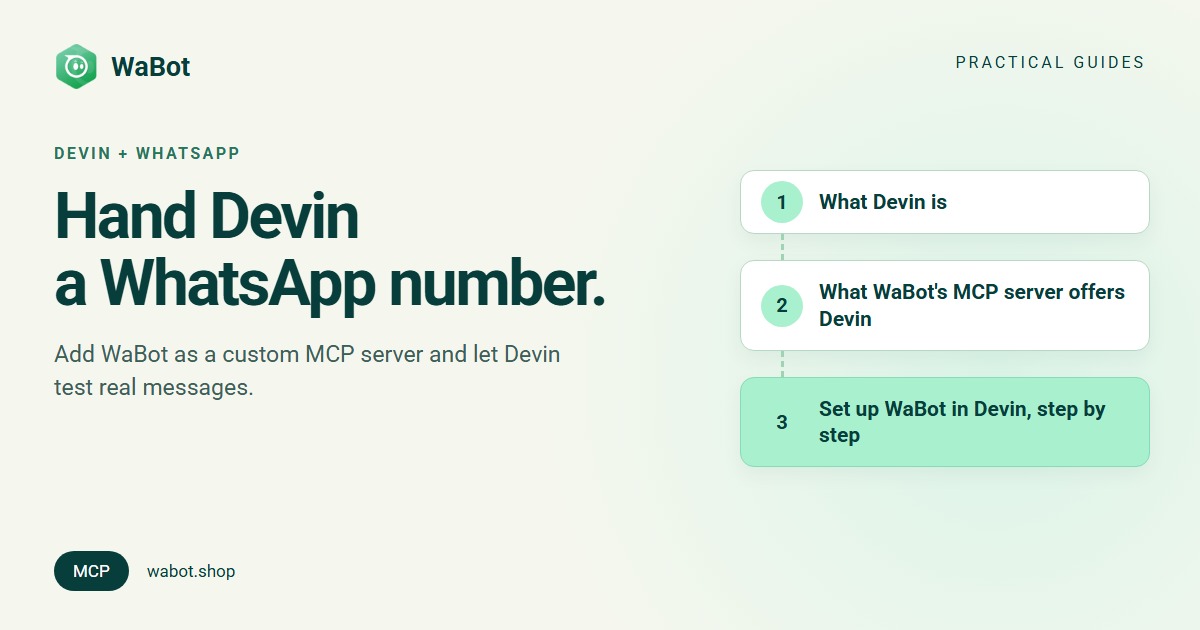
What Devin is
Devin describes itself as “your team’s autonomous software engineer”. It works on tasks on its own, remotely or locally, tests its work in its own browser and keeps iterating until a pull request is ready to merge. Through MCP it can call outside tools during a session, which is how it reaches your WhatsApp account through WaBot.
What WaBot’s MCP server offers Devin
WaBot hosts an MCP server at https://api.wabot.shop/mcp using Streamable HTTP, the transport Devin’s docs recommend for new remote integrations. It has 36 tools:
| Area | Example tools | Why Devin would use it |
|---|---|---|
| Account | get_account, list_channels | Find the WhatsApp number to send from |
| Templates | list_templates, get_template, create_template, get_template_status | Use or create the approved template the feature needs |
| Messages | send_template_message, send_session_message, get_messages, wait_for_reply | Send a test to your phone and check the reply |
| Automations | list_workflows, get_workflow, preview_workflow_schematic, create_chained_autoflow | Read or build keyword-driven WhatsApp automations |
| WhatsApp Flows | create_whatsapp_flow, publish_whatsapp_flow | In-chat forms |
Authentication is two HTTP headers, clientid and clientsecret: no OAuth and no account ID. The server allows 60 requests a minute per Client ID and records every tool call in an audit log.
Set up WaBot in Devin, step by step
Based on Devin’s MCP documentation and secrets guide. Only org admins with the Manage MCP Servers permission see Add custom MCP; other members can use Suggest MCP Integration.
1. Copy your WaBot credentials
In the WaBot app, open Developer → Developer Credentials and copy the Client ID and Client Secret.
2. Store the secret in Devin
Go to Settings → Resources → Secrets (app.devin.ai/secrets), click Add Secret and save the Client Secret as WABOT_CLIENT_SECRET. Choose the Personal scope if only you should be able to use it; organization secrets are usable by every member.
3. Add the custom MCP
Open Customize → MCPs → Add MCP → Add custom MCP and fill in:
| Field | Value |
|---|---|
| Server Name | WaBot |
| Short Description | WhatsApp templates, messages and automations |
| Transport | HTTP |
| Server URL | https://api.wabot.shop/mcp |
| Authentication method | Auth Header: key clientid, value <Client ID> |
| Advanced → Execution location | Session machine |
| Advanced → Header script | see below |
4. Add the header script for the second header
The Auth Header option takes one key and value, and WaBot needs two. Devin’s Header script fills the gap: it runs on the session machine before each connection and must print a JSON object of header values within 10 seconds. Secrets referenced as $NAME are available to it as environment variables:
printf '{"clientsecret":"%s"}' "$WABOT_CLIENT_SECRET"Devin’s docs note that a printed header replaces a configured header of the same name. If the script fails, prints anything else or times out, the MCP call fails; Devin doesn’t fall back to the configured headers.
5. Save and test
Click Save, then Test tools. Devin connects and lists the server’s tools; an error here means a connection, auth or timeout problem. Then start a session and ask: “Use the WaBot MCP to call get_account and list my WhatsApp numbers.”
Also wiring WaBot into your editor? See VS Code and Copilot or ChatGPT and Codex; the same two headers work there.
Use case 1: test the feature on WhatsApp before the PR
Devin is adding booking confirmations to your app. You want proof the real message reads right.
Type in the session:
Before opening the PR, use the WaBot MCP to send the approved template booking_confirmed to +91 98xxx xx000 (my own number) with name Asha, date 14 Nov and time 7:30 pm. Post the exact message and number in the chat before sending. After sending, wait for my reply and include it in the PR description.
Devin calls: get_template to read the template’s variables, get_account for the phone ID, send_template_message, then wait_for_reply (up to 30 seconds per call), repeating it a few times if needed.
You see: the confirmation on your phone, your reply quoted in the session, and a PR whose code uses the same template name and variables that just worked. Devin’s docs don’t cover server-pushed MCP notifications, so this uses wait_for_reply, not subscribe_replies.
Use case 2: build a 3-step follow-up chain
A café that runs cooking classes wants a short conversation on WhatsApp: the customer asks about classes, picks a batch with a button, then gets the fee details.
Type:
Using WaBot, create a chained automation for Spice Route Café's cooking classes. Step 1: when a message includes "classes", send template class_intro. Step 2: when they tap "Weekend batch", send weekend_details. Step 3: when they tap "Book now", send booking_link. Leave it inactive and show me the diagram.
Devin calls: list_templates to check those templates are approved, create_chained_autoflow (2 to 10 steps; later steps match the button title by default), then preview_workflow_schematic.
You see: a Mermaid diagram of the three steps. Nothing goes live until you ask Devin to call set_workflow_status or re-create it with activate: true.
Use case 3: document an existing workflow in the repo
Your team built WhatsApp automations months ago and nobody remembers what they do.
Type:
Using WaBot, list my workflows. For each active one, get the schematic and write docs/whatsapp-automations.md with the Mermaid diagram and a one-paragraph explanation. Open a PR. Don't change any workflow.
Devin calls: list_workflows, get_workflow and preview_workflow_schematic. All read-only.
You see: a pull request with diagrams GitHub renders, so the whole team can review the automations next to the code.
Safety: Devin works on its own, so set the rules
- Say it in the task: “show the message and recipient before sending”, and “only send to +91 98xxx xx000” while testing.
- Test on your own number first, every time a template or script changes.
- Message only customers who opted in. See WhatsApp opt-in and consent.
- Keep the secret in Devin Secrets, never in the repo or the session chat. If you think it has leaked, contact WaBot at hello@wabot.shop.
- Mind the scope. An organization secret is usable by every member, so their sessions could send WhatsApp messages from your account.
Limits
- Not available through MCP: campaigns and broadcast scheduling, campaign analytics, segmentation, deleting workflows, and advanced workflow steps (branching, webhooks, agent handoff, code).
- New automations start inactive.
- 24-hour rule: outside it, only approved templates. New templates wait for Meta review (minutes to hours); poll
get_template_statuswithsync: true. - 60 requests a minute per Client ID.
- Full reference: WaBot MCP documentation.
Let Devin test on real WhatsApp
Create your free WaBot account, connect your WhatsApp number and copy your MCP credentials from the Developer section. Connecting a number starts a 15-day Base Plan trial, no card needed.
Frequently asked questions
Can Devin connect to a remote MCP server with custom headers?
Yes. Devin’s custom MCP form supports SSE and HTTP (Streamable HTTP) transports with an Auth Header option, plus an Advanced header script that prints extra headers before each connection.
Why does WaBot need a header script in Devin?
WaBot authenticates with two headers, clientid and clientsecret, and Devin’s Auth Header option takes one key and value. The header script sends the second one from a Devin secret.
Who can add WaBot to Devin?
Org admins with the Manage MCP Servers permission see Add custom MCP. Other members can suggest the integration.
Can Devin send WhatsApp campaigns through WaBot?
No. Campaigns, scheduling and segmentation aren’t available through MCP. Devin can send individual template and session messages, read chats and build simple automations.
How do I stop Devin messaging real customers by mistake?
Tell it in the task which number it may send to, ask it to show each message first, test on your own number, and keep the WaBot secret in Personal scope.
The bottom line
Devin and WaBot connect through Devin’s custom MCP form: HTTP transport, the WaBot URL, clientid as the Auth Header and clientsecret from a one-line header script. Then Devin can prove a WhatsApp feature works on your own phone before the pull request, build follow-up chains and document the automations you already have.