You replied to a customer from your WhatsApp Business API inbox, or your system sent them an update, and the message failed with error 131047. Meta calls it a “re-engagement message” error.
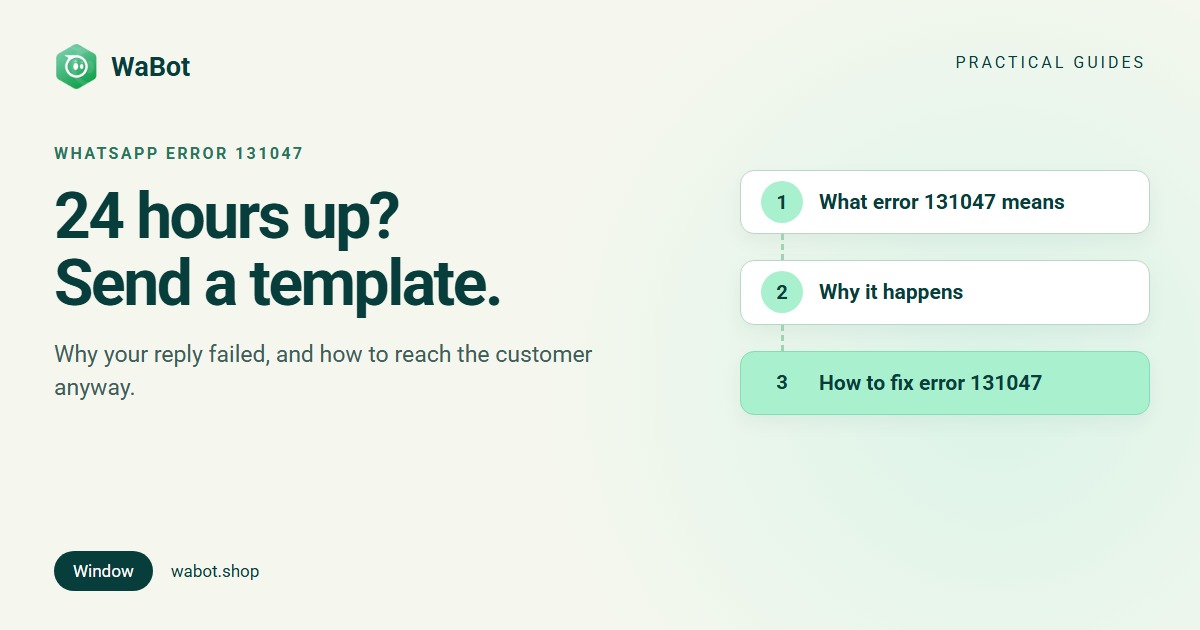
Error 131047 means more than 24 hours have passed since the customer last messaged you, so WhatsApp will not deliver a normal, free-form message. To reach them now you have to send an approved template message. Once they reply, the 24-hour window opens again and you can chat normally.
What error 131047 means
Meta's Cloud API error reference describes 131047 in one line, with a one-line fix:
More than 24 hours have passed since the recipient last replied to the sender number.

Possible solution: Send the recipient a template message instead.
Behind it is the rule Meta calls the customer service window. In its send messages documentation, Meta explains that when a WhatsApp user messages or calls you, a 24-hour timer starts. While it runs, you can send any kind of free-form message: text, images, documents, buttons. Each new message or call from the customer resets the timer to 24 hours. When it runs out, “you can only send pre-approved template messages”.
Three details that trip people up:
- The clock runs from the customer’s last message, not yours. Only the customer writing or calling you starts or resets the window. Sending a template yourself does not open one.
- A customer who has never messaged you has no window at all. Imported contacts, leads from a form, and numbers from your old CRM can only be reached with a template until they reply.
- Messages on other channels don’t count. A phone call to your landline, an email or an Instagram DM doesn’t open a WhatsApp window. Only a WhatsApp message or WhatsApp call does.
Why it happens
The same handful of situations produce almost every 131047:
- A late reply. The enquiry came in yesterday morning, you reply this afternoon, 26 hours later.
- A delayed automation. A workflow or chatbot step that sends a plain message after a wait, for example a “did you decide?” nudge two days after the enquiry.
- A CRM or integration sending free text to old leads. Any system that sends the text message type instead of the template type will fail for anyone outside the window.
- Messaging a new contact for the first time with normal text, for example after importing a customer list.
- A customer who replied on another channel. They called you back, so you think the conversation is live, but on WhatsApp the window closed.
How to fix error 131047
- Check when the customer last messaged you, not when you last messaged them. If it’s more than 24 hours ago, no free-form message will go through.
- Send an approved template instead. A template is a message Meta has reviewed in advance. Use a Utility template when the message is about something the customer asked for or bought (a quote, an order, a booking), and a Marketing template for offers or general re-engagement. If you don’t have a suitable one, create it: Meta says review can take up to 24 hours. Our guide to why templates get rejected and how to fix them helps you get it approved first time.
- Give them an easy way to reply. Add a quick-reply button (“Yes, send details” / “Call me”) or end with a question. Their reply reopens the window, and you can continue the conversation normally.
- Fix the automation, not just the one message. Any step that may run more than 24 hours after the customer’s last message must send a template, not a text message. Keep free-form steps for the minutes and hours right after they write to you.
- Budget for it. Templates are charged per delivered message at Meta’s rates. In India from 1 October 2026 that’s ₹0.115 for a utility or authentication template and ₹0.8631 for a marketing template, plus 18% GST, billed by Meta directly. Replies inside the window are free for the first 1,000 a month per number, then ₹0.115 each. Details in our WhatsApp Business API pricing guide for India.
Two templates that work well as a follow-up after the window has closed. The first is a utility-style update about something the customer asked for; the second is a marketing re-engagement message, which should only go to customers who agreed to hear from you.
Hi {{1}}, your quote for {{2}} is ready. Reply here and we'll walk you through it, or tap the button below to book a call.
Hi {{1}}, you asked us about {{2}} last week. We still have it available. Would you like us to hold one for you? Reply YES and we'll get back to you today.
What NOT to do
- Don’t resend the same free-form message. It fails with 131047 every time until the customer writes to you. There’s no cooling-off period to wait out.
- Don’t send a template just to “open” the window and then blast offers. Marketing templates can only go to customers who opted in, and each delivered marketing template counts towards Meta’s per-user marketing limit. Push too hard and the next failure is error 131049.
- Don’t hide an offer inside a utility template. Meta re-checks approved templates and moves promotional ones to Marketing, which costs more per message.
- Don’t confuse the 24-hour window with the messaging limit. The window is about one customer. The messaging limit is how many different customers you can message with templates in 24 hours; it’s a separate thing, explained in how WhatsApp messaging limits work.
Errors people confuse with 131047
Descriptions are from Meta's error reference. The full list of common codes is in our WhatsApp API error codes guide.
| Code | What Meta says | What to do |
|---|---|---|
| 131047 | More than 24 hours have passed since the recipient last replied to the sender number | Send an approved template instead of a free-form message. |
| 131049 | This message was not delivered to maintain healthy ecosystem engagement | The customer has had too many marketing messages. Wait at least 24 hours. Guide. |
| 131026 | Unable to deliver message (not a WhatsApp number, terms not accepted, or old WhatsApp version) | Check the number; ask the customer to update WhatsApp and message you. Guide. |
| 132001 | The template does not exist in the specified language or has not been approved | Your 131047 fix will fail with this if the template isn’t approved yet. Check its status. Guide. |
| 131050 | The recipient has chosen to stop receiving marketing messages from your business | Don’t retry. Respect the opt-out. |
How WaBot handles the 24-hour window
WaBot is built around the window, so most 131047 errors never happen.
- A session bar in every chat. While the window is open it reads Session open · 5h 12m remaining, and it turns amber in the last hour. Once the window closes it says The customer hasn’t messaged in the last 24 hours. WhatsApp only allows approved templates until they reply, the free-text box is locked, and a Choose template button opens your approved templates.
- Scheduling knows the rule. If you schedule a message for more than 24 hours ahead, WaBot tells you WhatsApp only allows approved templates outside the 24-hour window, so you’ll pick a template next, and asks you to pick one.
- Workflows have two separate actions. Send template works at any time; Send message (text, media, buttons, lists, forms) is for the 24-hour window. For follow-ups that fire after a wait, such as the No reply for a while trigger, use Send template. See the workflows guide.
- If a message still fails with 131047, for example one sent through WaBot’s API by another system, the inbox shows Not sent · 24-hour window closed — send a template. under it, with a Retry button for after the customer replies. WaBot does not retry 131047 automatically (automatic retry is only for 131049), because a retry before the customer replies just fails again.
- Campaign results show the reason as Outside the 24-hour messaging window (131047) in the Failure reason column, so you can filter those contacts and reach them with a template campaign instead.
Templates are created and tracked under Templates → My templates; the templates guide walks through it.
Stop losing replies to error 131047
Create your free WaBot account. The inbox shows the 24-hour window for every chat and switches to templates when it closes, so your team never sends a reply that can't be delivered. 15 days of the Base Plan included, no card needed.
Frequently asked questions
What does WhatsApp error 131047 mean?
It means more than 24 hours have passed since the customer last messaged your WhatsApp Business number. Outside that window WhatsApp only delivers approved template messages, so your free-form message failed. Send a template instead.
Can I reopen the 24-hour window myself?
No. Only the customer’s message or WhatsApp call starts or resets the window. What you can do is send an approved template with a reply button or a question; when the customer replies, the window opens again.
Am I charged for a message that failed with 131047?
No. Meta charges only for delivered messages. The template you send instead is charged at Meta’s template rate for its category.
Does the 24-hour window apply to the WhatsApp Business app?
No. The window is a rule of the WhatsApp Business Platform (the API). The free WhatsApp Business app on a phone doesn’t block replies after 24 hours, but it also can’t do templates, automation or a shared inbox. See WhatsApp Business app vs API.
Which template category should I use to follow up after 24 hours?
Use Utility when the message is about something the customer asked for or bought, such as a quote, order or appointment, and keep it free of offers. Use Marketing for offers and general re-engagement, and only for customers who opted in.
The bottom line
Error 131047 isn’t a fault. It’s WhatsApp’s 24-hour rule: free-form replies while the customer is talking to you, approved templates after that. Check when they last wrote, send a template that invites a reply, and fix any automation that sends plain text after a long wait.
Related reading: error 131049, error 131026 and the full list of WhatsApp API error codes.