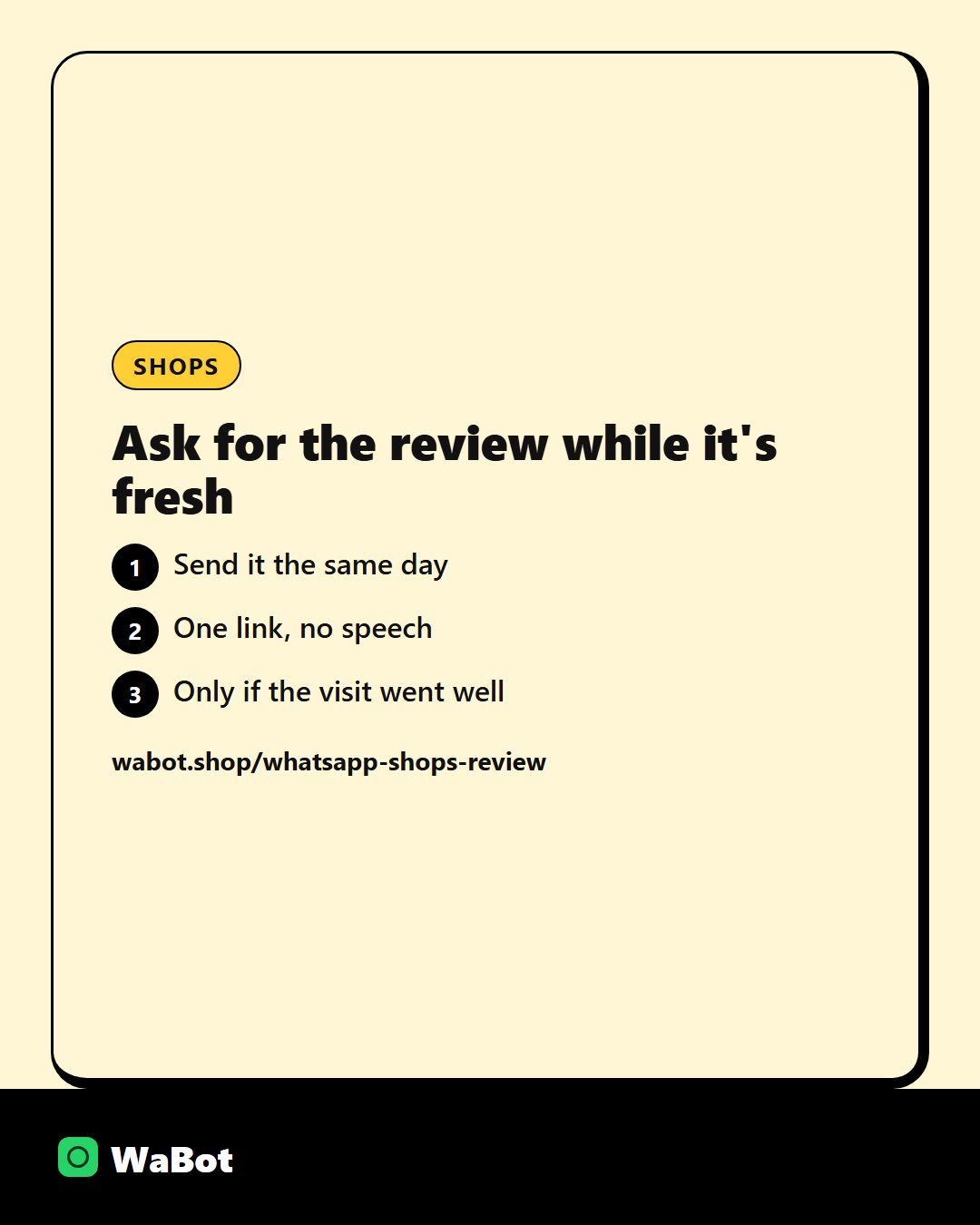
Most customers will not go looking for your Google listing later. They will tap a link if you send it a day after they collect an order.
Ask only when the visit went well. A review request after a complaint makes things worse.
Copy this
Hi {{1}}, we hope you're happy with your {{2}}. A Google review helps other customers find the shop: {{3}}
Send it yourself, or let a workflow send it
You can send this as a template to each person. On WaBot, sending it automatically when the job ends uses workflows, which are on the Base Plan at ₹9,240/year + GST. The Starter plan at ₹840/month + GST includes the shared inbox and campaigns, not workflows.
Don’t offer a discount in exchange for a review. Ask, and leave the rating up to them.
More on this: how to send WhatsApp messages without getting restricted.
Team chat and campaigns on WaBot start at ₹840/month + GST. Meta’s message fees are separate, and WaBot does not add a markup. See plans.
Put the review link one tap away.
Frequently asked questions
When is too late to ask?
After a week, most people have moved on. A day after they collect an order is the window.
Does the WhatsApp badge or green tick help reviews?
No. Meta’s official badge does not change reviews or message prices. The link and the timing do the work. What the badge actually is.
Can I automate this on every plan?
Sending it by hand works on the paid chat plans. Automatic sending when a job ends is a workflow, on the Base Plan.
Final thoughts
Ask customers for a Google review on WhatsApp a day after they collect an order, while the visit is still fresh.