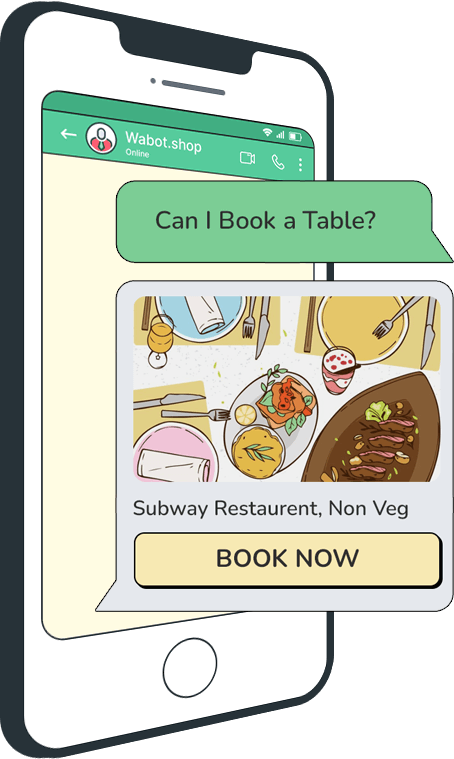
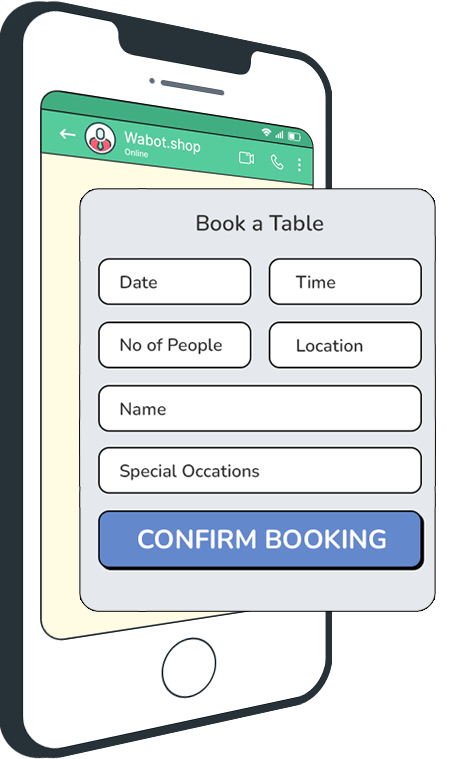
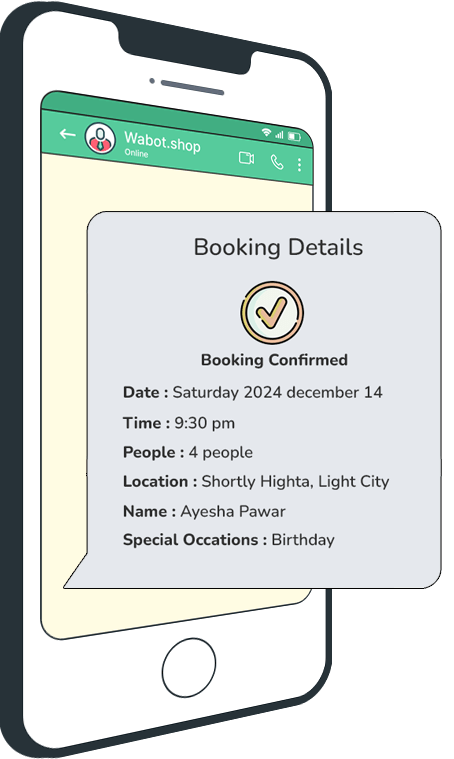
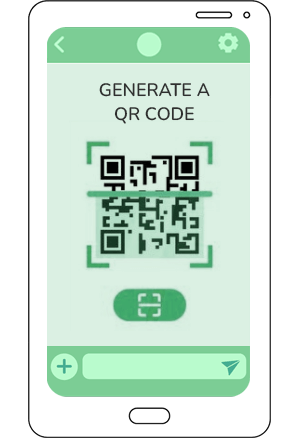
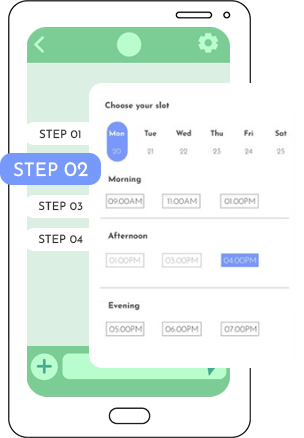
Restaurant Table Reservation Make booking tables simple, quick, and automated for both customers and restaurant staff Start Using Now! How It Works CustomerCustomerCustomerSystemCRM Integration Step1 Get a WhatsApp Business Number Why?: You need a WhatsApp business account to use Wabot.shop.Tip: If you don’t have one, Wabot.shop helps you set it up. Step2 Promote Your WhatsApp Number Generate a QR Code from Wabot.shop.Place the QR Code on your: Website, Social media pages, Flyers or menusWhy?: Customers can easily scan and start a chat to book a table. Step3 Create a Booking Workflow Keyword: Set up triggers like “Book a table” or “Reservation”.Booking Flow: Ask for details like date, time, number of people, and special requests, Confirm availability & Send booking confirmation. Step4 Integrate with CRM Webhook: Automatically send booking details to your CRM software.Why?: To manage reservations seamlessly without manual effort. Key Features of Wabot.shop Custom Workflows Tailor responses to customer needs Automation Save time by handling bookings 24/7. Integration Use your existing tools with webhooks. Real-Life Example Customer : Sends “Can I book a table?”System : Collects details like date, time, and special occasions.Confirmation : Sends a WhatsApp message with all booking details. Why Choose Wabot.shop? Easy to useNo technical knowledge needed.Enhances customer experience.Saves time for staff. Your path to smarter customer engagement starts here. Get started today! Register Now